EasyManua.ls Logo

DTG Digital DTG M2 - Page 153

DTG Digital DTG M2
178 pages
Print Icon
To Next Page IconTo Next Page
To Previous Page IconTo Previous Page
Loading...
27
DTG M Series Maintenance Manual Troubleshooting
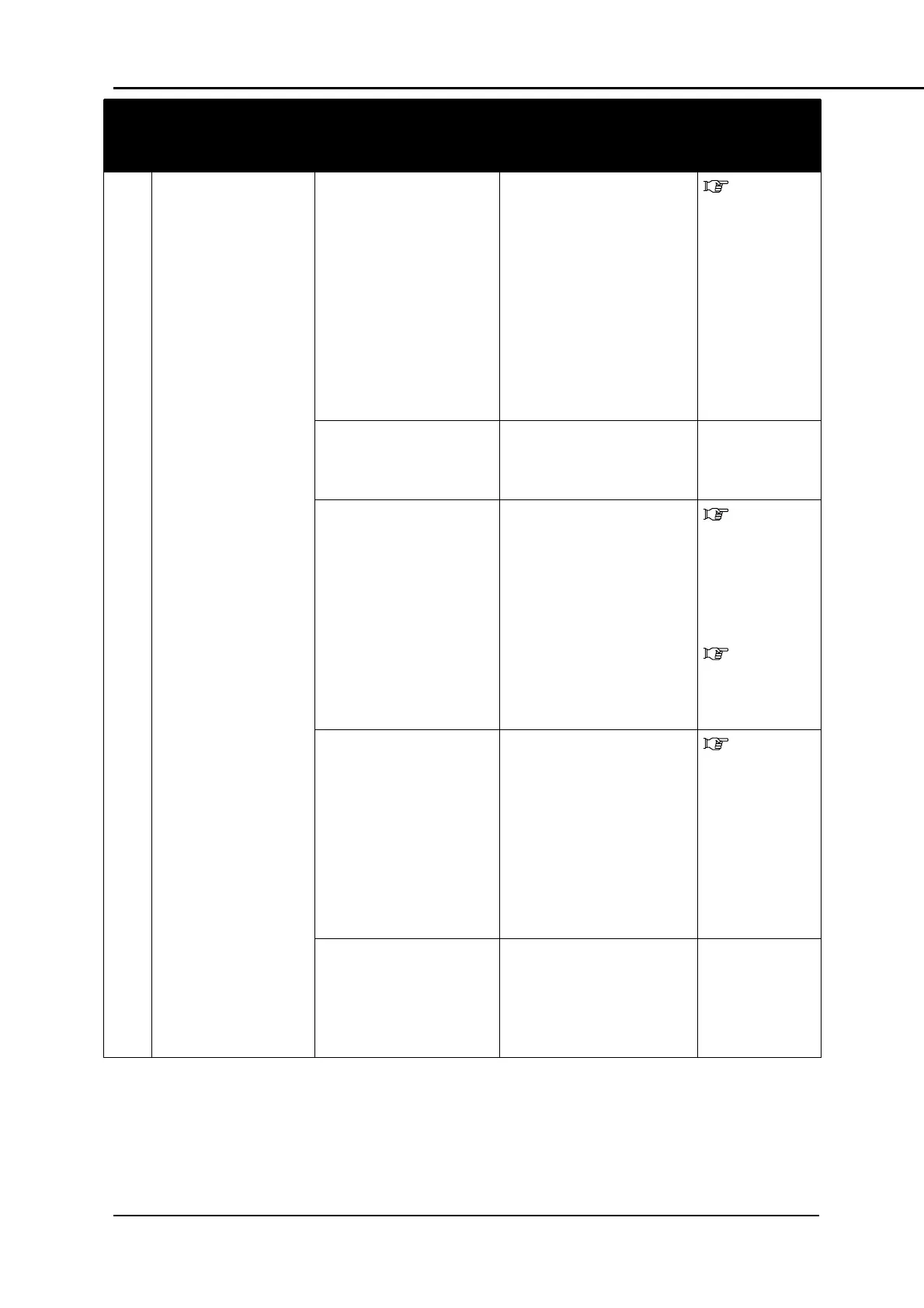
TABLE 6-9 SYMPTOMS, CHECK ITEMS AND ACTIONS FOR PRINTING PROBLEMS
No.
Symptom
Check Item
Action
Reference
3
Blocked nozzles or
ink drops not
eliminated even
after cleaning
1. Check cleaning wiper
condition
Clean the cleaning wiper
in accordance with
Section 5.4.3 "Cleaning
the Wiper and Head
Cap" p.93. After cleaning
the cleaning wiper,
perform cleaning twice
consecutively.
If cleaning wiper is sticky
with ink, replace it with a
new one
5.4.3
"Cleaning the
Wiper and
Head Cap"
p.93.
2. Is nozzle face
wiped/rubbed
correctly?
Check wiper installation
condition and secure it
correctly.
3. Does residual ink
collect on print head
assembly or in
nozzles?
Clean head as follows.
Clean head
Perform initial ink
charge
Check printouts again
3.5.5
"Performing a
Head Clean
from the
Operation
Panel" p.41
5.5.1
"Powerful
Head
Cleaning" p.97
4. Is waste ink tube
from ink system
assembly bent /
blocked / kinked
Check for and release
kink / bend in waste tube
from ink system
assembly (via waste ink
compartment) and check
if cleaning operation
causes ink inflow
If ink inflow is confirmed,
execute initial ink charge
5.5.1
"Powerful
Head
Cleaning" p.97
5.
If the symptom persists:
Contact your authorized
DTG Distributor or
Technician for further
assistance

Table of Contents