Initial Setup & Basic Operations DTG M Series Maintenance Manual
When a setup item has a submenu, [>] is displayed on the right end of the LCD monitor of the
operation panel.
4. If a submenu item displayed on the LCD monitor of the operation panel is blinking, it’s
setting can be changed.
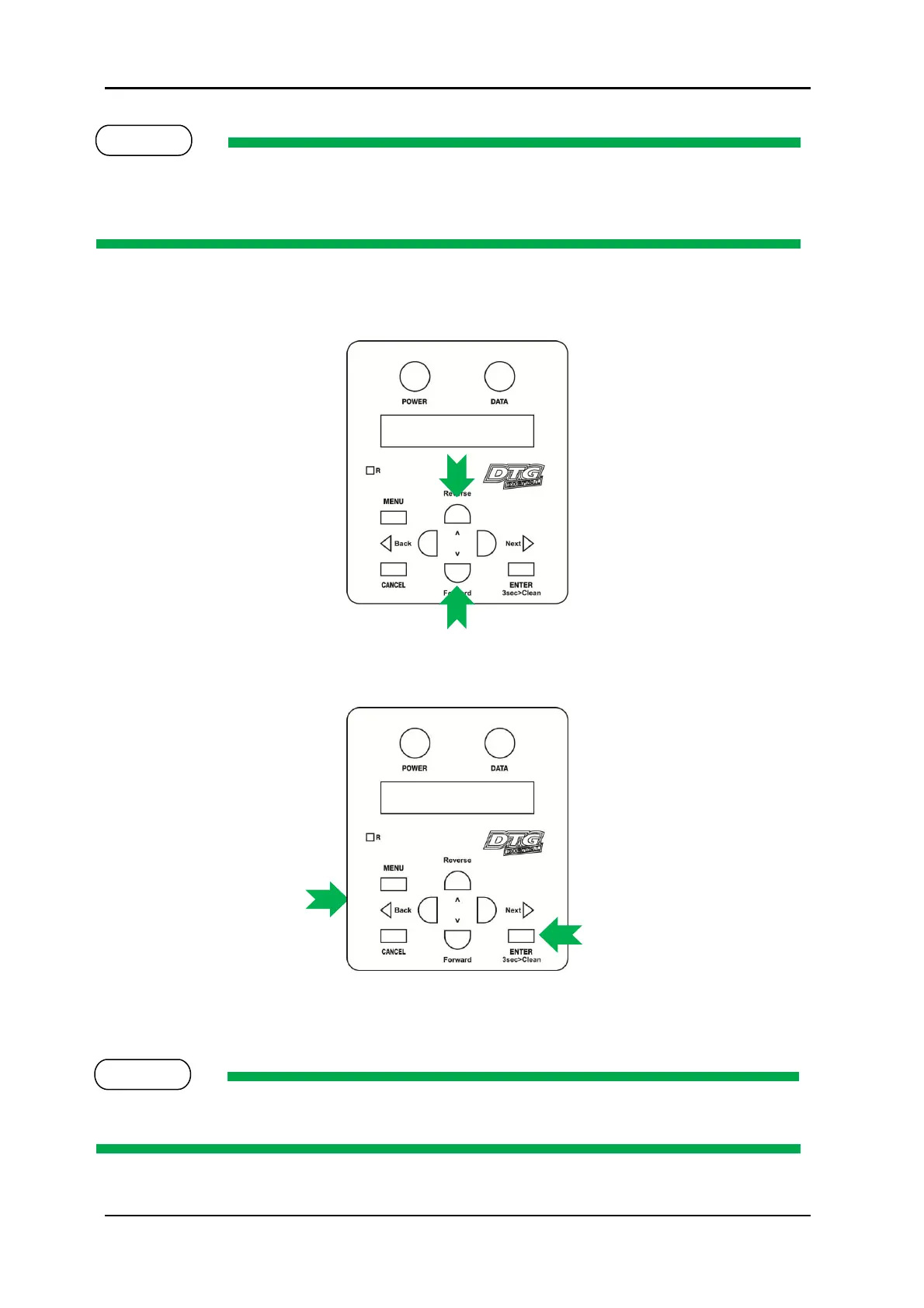
Press the [Forward] key or [Reverse] key to change the setting.
5. To save the changed setting, press the [Enter] key on the operation panel.
The setting will be saved and the next setup item will be displayed.
If the [Cancel] key, [Forward] or [Reverse] key is pressed after changing a setting, without pressing
[Enter] key, that setting will not be saved.



 To Next Page