DTG M Series Maintenance Manual Initial Setup & Basic Operations
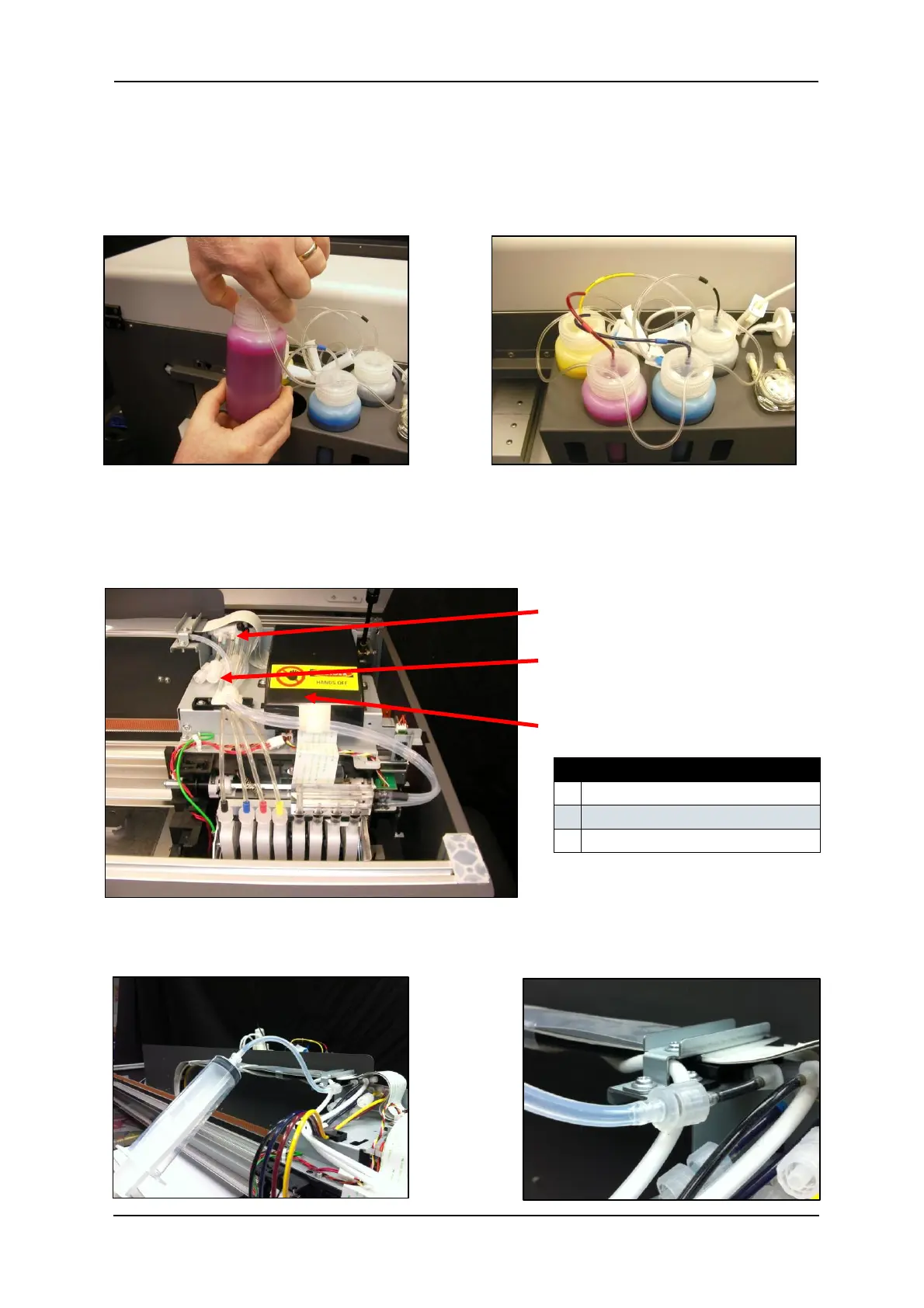
4. Take note of the coloured band on each of the colour ink lines, and match this to the ink in
each of the containers when screwing the containers back in to the lids. To screw the
containers to the lids, simply hold the lid firmly and screw the container up into the lid.
5. Open the top cover of the printer and locate the connector caps (4) on the 3 way joints for
the C,M,Y & K ink tubes (located to the left of the CR board assembly cover).
6. Remove the cap from the connector for the first ink colour that you wish to fill.
7. Connect the syringe & tube adaptor kit to the un-capped connector.
8.


 To Next Page
 Loading...