Initial Setup & Basic Operations DTG M Series Maintenance Manual
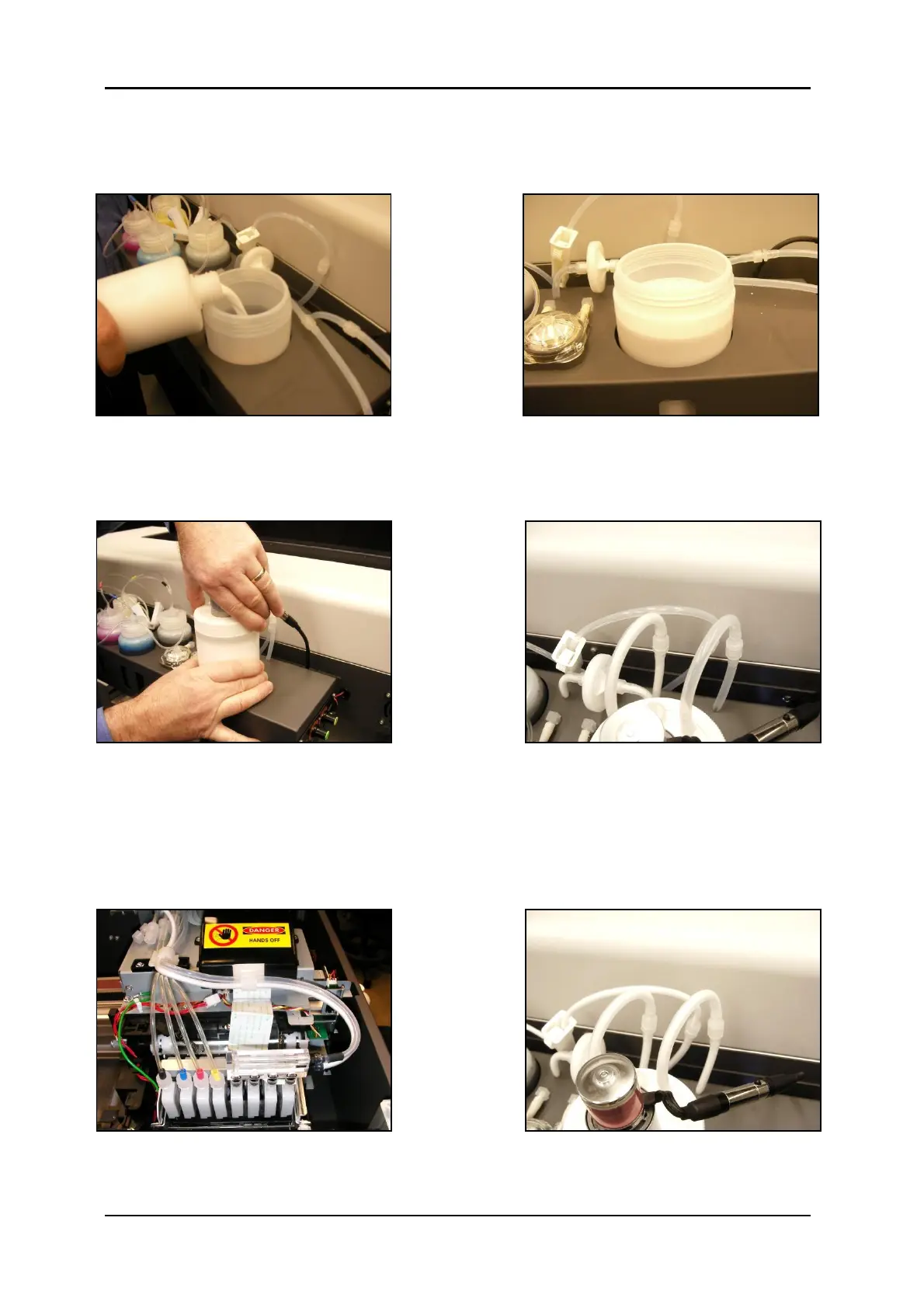
8. Fill the container with DTG white ink to just below the curve at the top of the container as
shown.
9. Now screw the container back up to the lid. To do this simply hold the lid firmly and screw
the container up into the lid. Double check that all tube clamps are in the open position and
all connectors are firmly joined.
10. Switch the printer on in accordance with the instructions in Section 3.5.1 "Switching the
Printer ON" p.29
11. Observe the white ink flowing through the tubing, when it begins to flow back into the
white ink tank the white ink system is charged and the dampers and head can now be filled
by doing head cleans.



 To Next Page