Initial Setup & Basic Operations DTG M Series Maintenance Manual
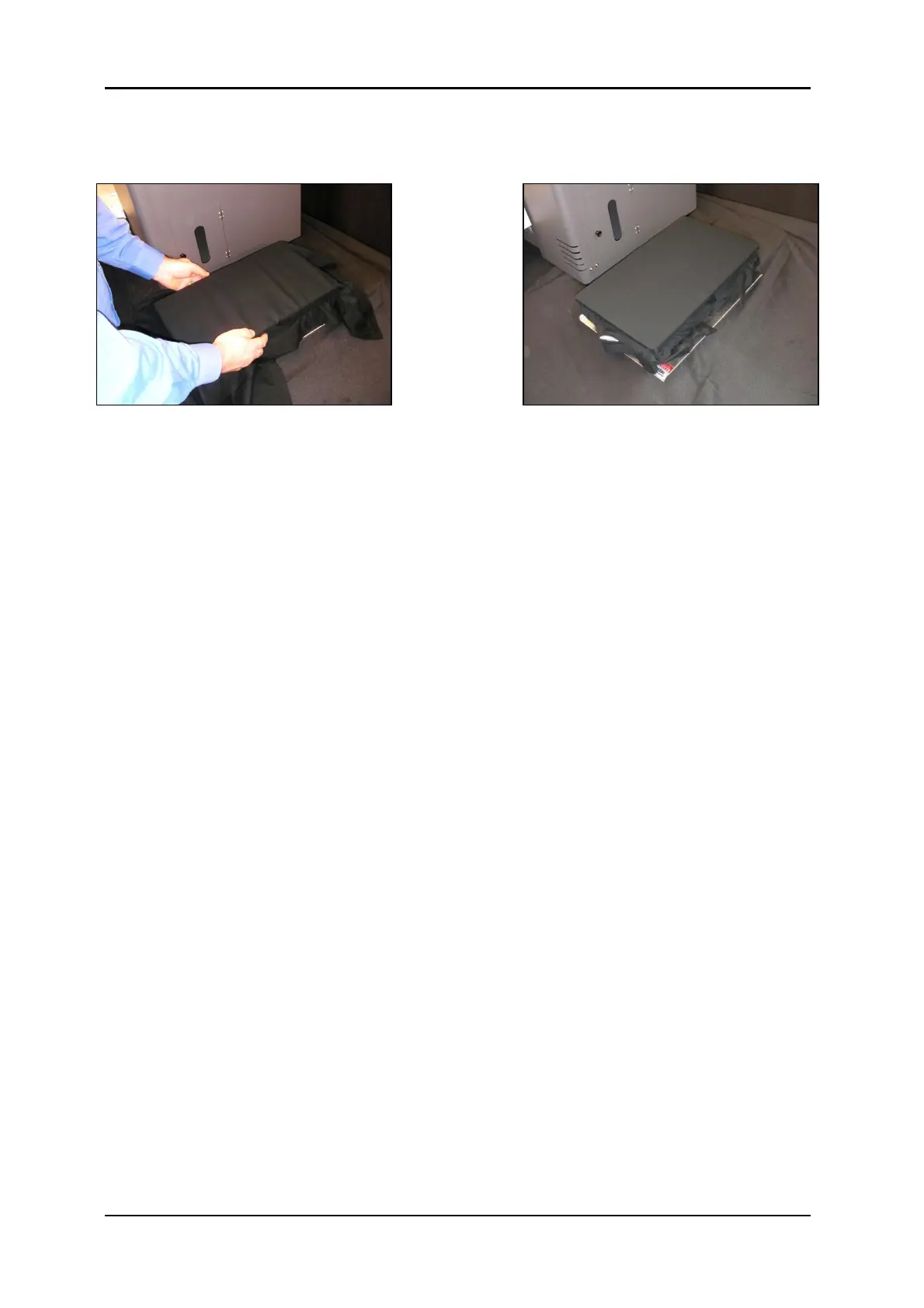
3. If you are loading fabric be careful not to smear or touch the surface you will be printing.
Gently pull the fabric straight and tuck the edges into the seam of the rubber seal
underneath the top of the platen. Remove all wrinkles GENTLY, do not distort the fabric.
4. Carefully insert the rear of the platen into the Acu-Lok slot and ensure that the alignment
pins are protruding correctly through the holes in the front of the platen bed.



 To Next Page