Initial Setup & Basic Operations DTG M Series Maintenance Manual
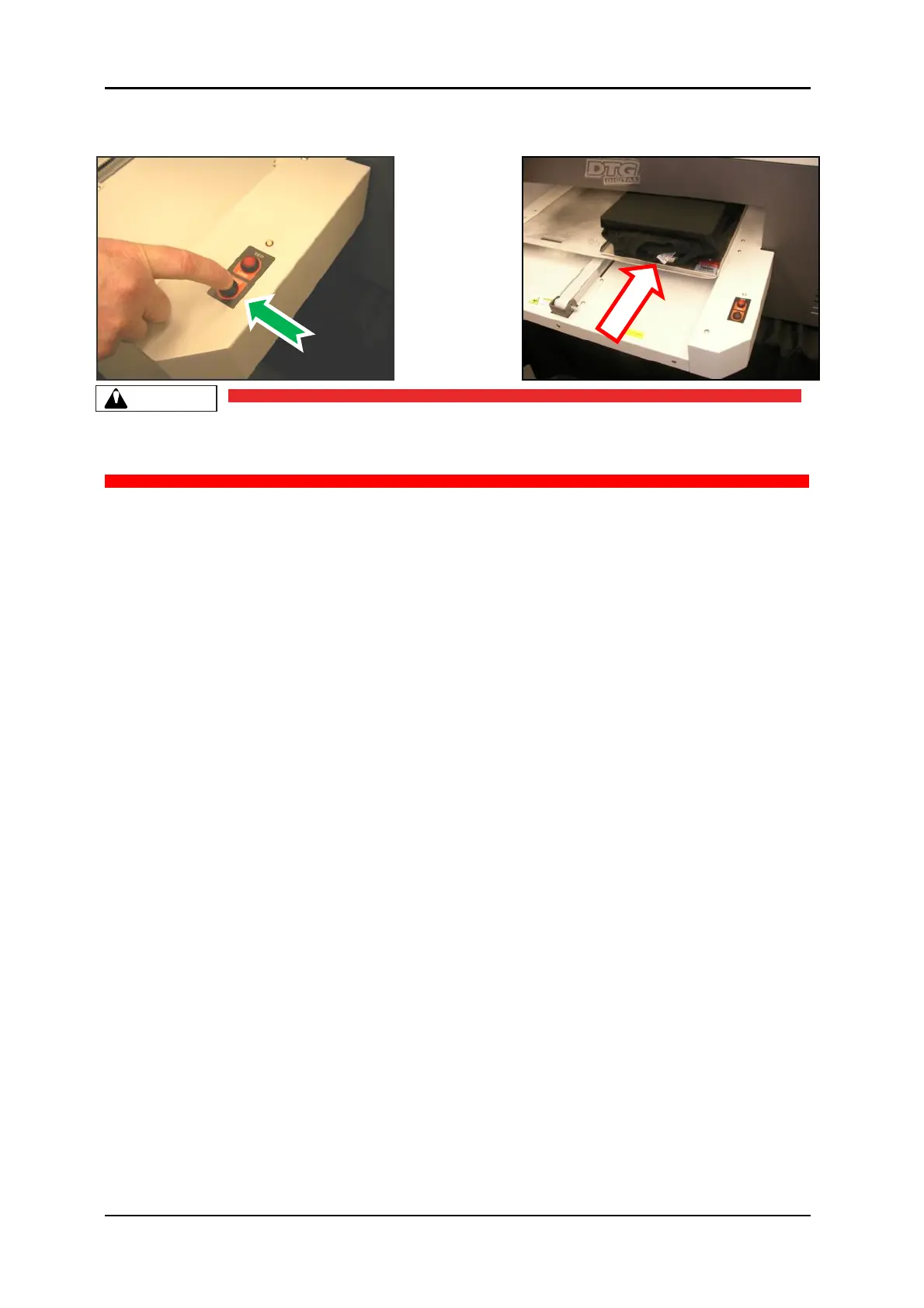
4. When the printer has loaded the media the media LED will turn green indicating that the
printer is now ready to accept data from the computer to perform a print.
It is advisable to leave the head safety system operational at all times to assist in protecting the
print head. Print heads DO NOT CARRY ANY WARRANTY what so ever.



 To Next Page