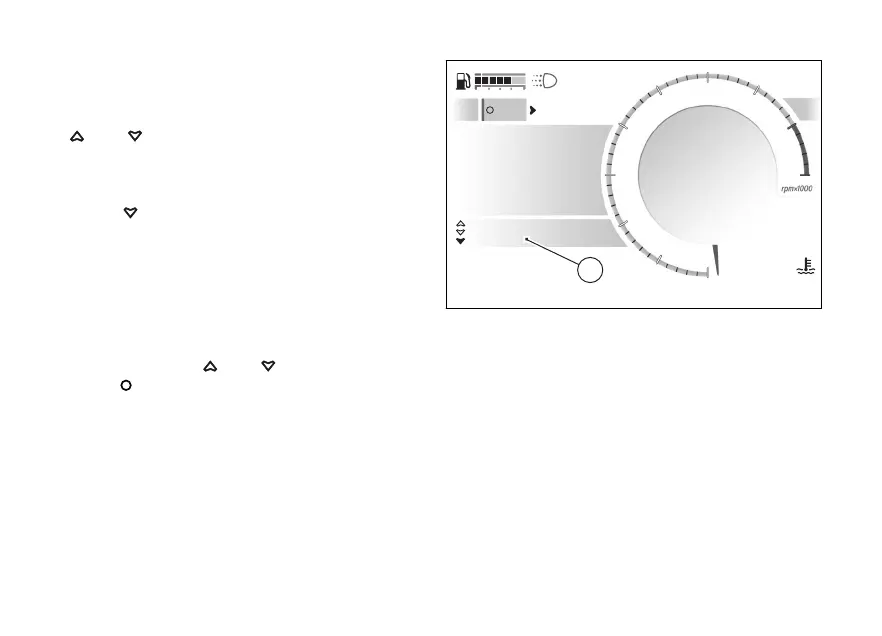
Riding Info within the Road Infomode
Within the Road Infomode the same information is
shown below the speed indication (C). Use
and to scroll through all available
information.
In the Road Infomode, the “My Ride - Riding Info”
menu can be accessed directly by long pressing the
.
Changing the order of the information
It is possible to change the order of the information
through the “Riding info order” function in the
- Display” menu.
To access this function directly, from the “My Ride -
Riding Info” menu select the “Change info order”
item with and and press the
.
SPORT
0
km/h
Total
2326 km
Infomode
Menu
1
2
3
4
5
6
7
8
10
12
N
Gear
27
°CAir
97
°C
09:09
am
A
C
Fig 111
150










 To Next Page