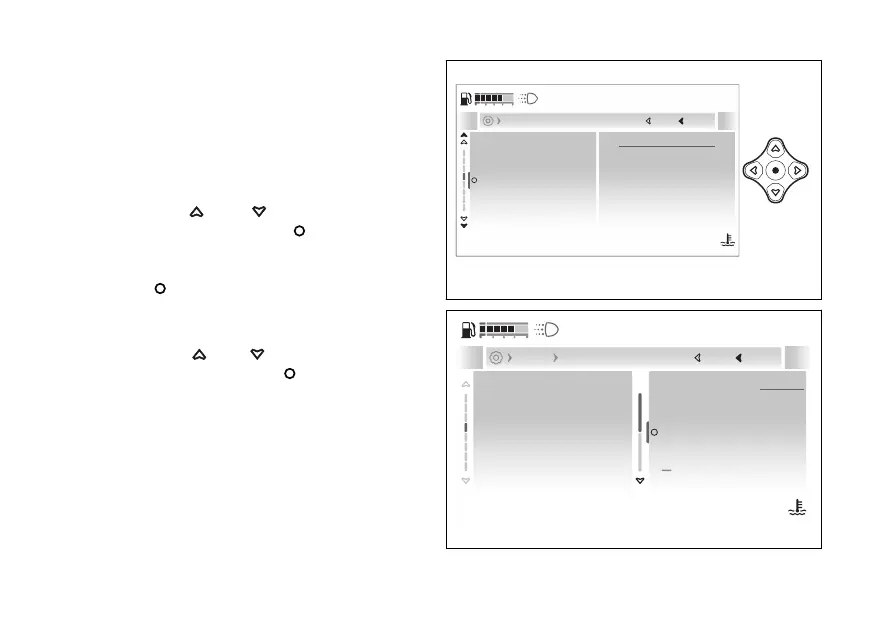
- Vehicle- Coming home
light
This function allows activating or deactivating the
Coming Home Light function: if active, each time the
motorbike is switched the headlights
are activated for a few seconds.
●
Enter the menu.
●
Use
and to select the “Vehicle”
item and press the .
●
Select the “Coming home light” item: the
currently set mode is displayed. Press the
to confirm.
●
The “On” and items are displayed together
with the currently set mode.
●
Use
and to select the desired
item and press the to confirm and go
back to the previous screen.
When the function is set to “On”:
●
if the ambient light detected by the instrument
panel is low (night) at the low beam is
activated for some seconds;
●
if the ambient light detected by the instrument
panel is high (day) at the DRL light is
activated for some seconds.
Coming home light
Turn indicators
DRL
Tyre Calibration
Lap
On
Current
Close
Back
Vehicle
120
°C
09:09
am
N
Gear
Fig 146
Close
Back
Vehicle
120
°C
09:09
am
N
Gear
Coming home light
Turn indicators
DRL
Tyre Calibration
Lap
On
Of
Coming home light
A
Fig 147
183










 To Next Page