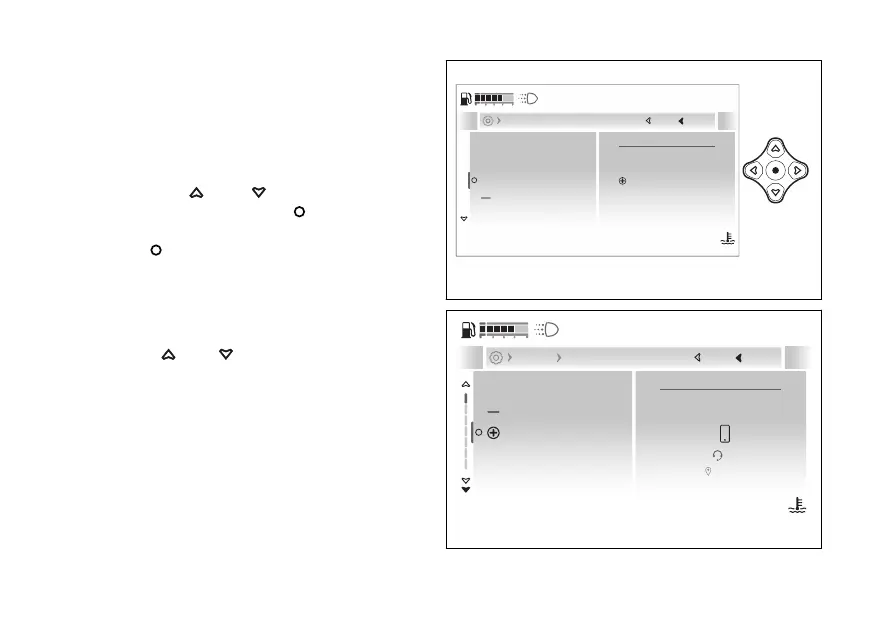
- Devices - Bluetooth (if
present)
This function is available only if the Bluetooth
control unit is installed and allows the user to
manage any paired Bluetooth devices and add more.
●
Enter the menu.
●
Use
and to select the “Devices”
item and press the .
●
Select the “Bluetooth” item and press the
to confirm.
The “+Add device” item is displayed along with the
list of previously paired devices; for each device, the
connection status and related information are
displayed.
Use and to select the desired item.
Bluetooth
Paired devices list
Add device
Next
Close
Back
Devices
120
°C
09:09
am
N
Gear
Fig 217
Forget all devices
Samsung
Add device
RedMI
Phone
Headset
Navigator
Next
Close
Back
Devices Bluetooth
120
°C
09:09
am
N
Gear
Fig 218
250










 To Next Page