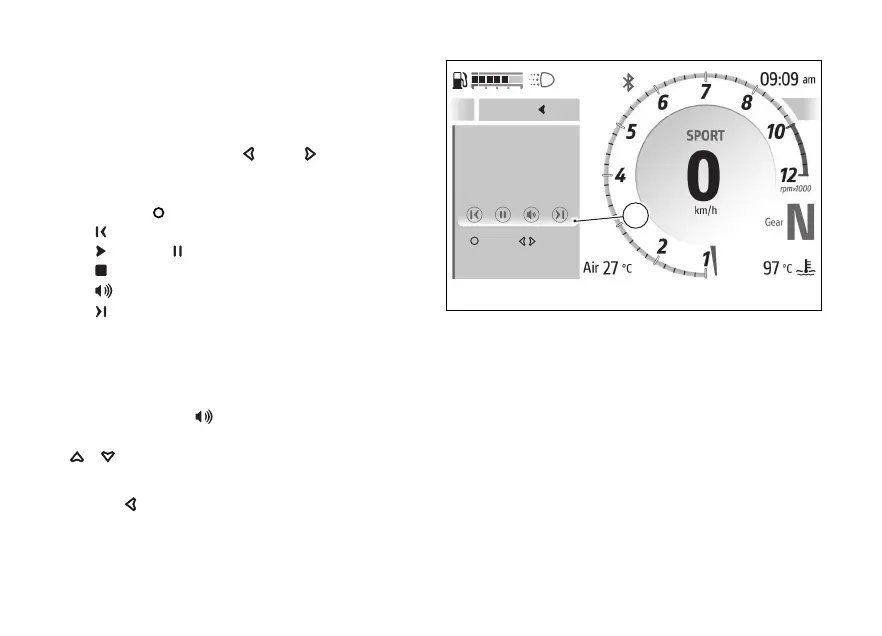
The player window (B) is displayed showing the
music player controls and the title of the current
track: if the title is not available, “Not available” is
displayed.
By pressing the
and it is possible to
scroll and select the following controls; to activate
the selected control (except for the volume), press
the :
●
previous track
●
play or pause
●
stop
●
volume
●
next track
When the music player is paused, the song title is
displayed in grey.
Volume adjustment
When the control
is selected (volume), it is
possible to adjust the volume using the
.
To close the music player window, press and hold
for a long time.
A
Pause Move
Not available
Menu
B
Fig 132
169










 To Next Page