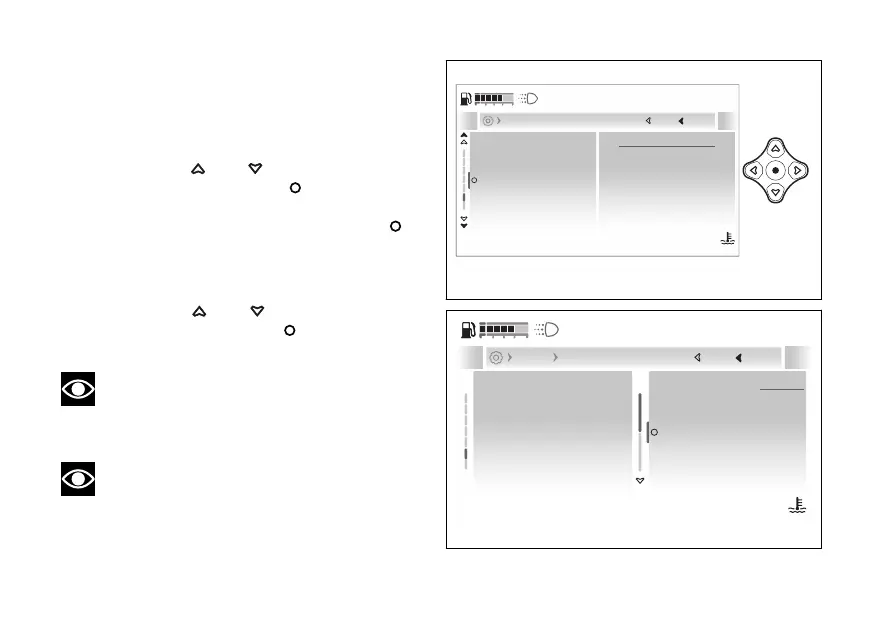
- Display - Fuel indicator
This function allows changing the display mode of
the fuel level, by choosing among graduated bar or
remaining km or miles.
●
Enter the menu.
●
Use
and to select the “Display”
item and press the .
●
Select the “Fuel indicator” item: the currently
set mode is displayed. Press the
to
confirm.
●
The “Level” and “Range” items are displayed
together with the currently set mode.
●
Use
and to select the desired
item and press the to confirm and go
back to the previous screen.
Note
When the fuel level is set to remaining km or
miles, the Range item is not displayed in the Info
display list.
Note
When the fuel is low, the relevant indicator is
forced in the remaining km or mile mode.
Units
Fuel indicator
Trip master precision
Language
Level
Current
Close
Back
Display
120
°C
09:09
am
N
Gear
Fig 207
Level
Range
Units
Fuel indicator
Trip master precision
Language
Level
Current
Close
Back
Display Fuel indicator
120
°C
09:09
am
N
Gear
Fig 208
244










 To Next Page