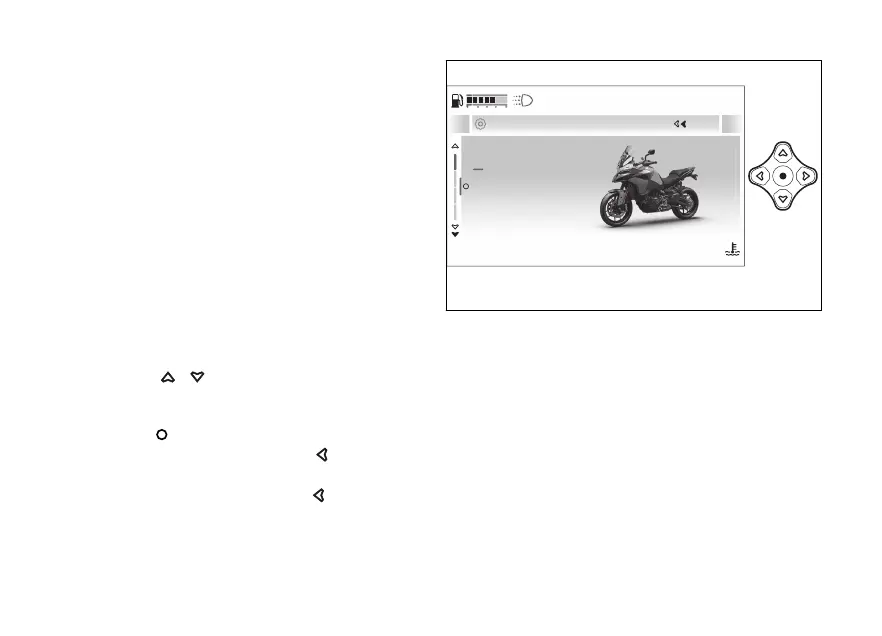
This menu allows enabling, disabling and
some motorcycle functions.
For safety reasons, you can enter this Menu only
when the actual vehicle speed is lower than or equal
to 5 km/h (3 mph). If you are inside the
Menu and the actual vehicle speed exceeds 5 km/h (3
mph) the instrument panel automatically exits from
the menu and displays the main screen.
It is recommended to use this menu with the
motorcycle at a standstill.
This menu can be accessed by selecting
from the function menu of the main page.
The menu is navigated using the directional cross
on the switch:
●
to scroll through the displayed
items; prolonged pressure on these
allows fast scrolling of items.
●
to validate the selected item.
●
pressure on the
to return to
previous navigation level.
●
Long pressure on the
to close the
menu and return to the main page.
Devices
Vehicle
Advanced
Display
Close
120
°C
09:09
am
N
Gear
Fig 135
171










 To Next Page