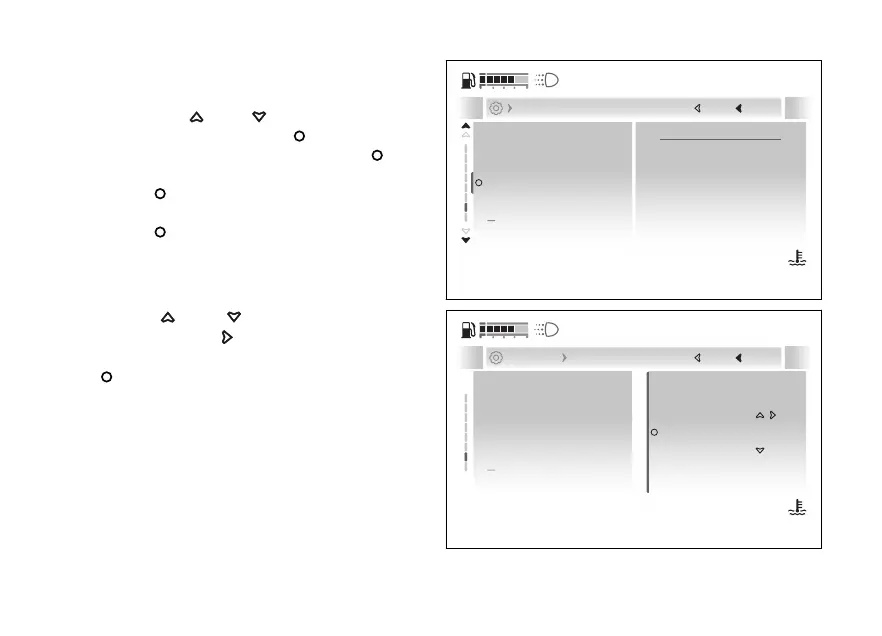
Modify PIN
●
Enter the menu.
●
Use
and to select the “Vehicle”
item and press the .
●
Select the “PIN code” item and press
.
●
Select the “Modify PIN” item and press the
.
The display shows "Current PIN", press the
to proceed with entry.
Entering the current PIN code:
●
The arrows above and below the digit indicate
that the value can be changed from 0 to 9 using
and .
●
Press the
to edit to the other digits.
●
Once the PIN code is complete, press the
.
●
If the entered PIN code is not correct, “Wrong” is
displayed for a few seconds and the instrument
panel returns to the previous screen.
●
If the entered PIN code is correct, “Correct” is
displayed for a few seconds and then the new
PIN code is entered.
Entering a new PIN code:
PIN code
Service and info
Lap
Modify PIN
Turn indicators
Next
Close
Back
Vehicle
120
°C
09:09
am
N
Gear
Fig 158
PIN code
Service and info
Lap
Turn indicators
Current PIN
0
0 0 0
Close
Back
... Pin code Modify pin
120
°C
09:09
am
N
Gear
Fig 159
191










 To Next Page