features - Phone (if any)
This function is available only if the Bluetooth
control unit is installed and only in Road and Road
Pro Infomodes in the features” menu: it
allows viewing the list of the last 7 missed, made or
received calls and can only be selected if a
has been connected via Bluetooth.
To pair the Bluetooth devices use the “Bluetooth”
function in the - Devices” menu.
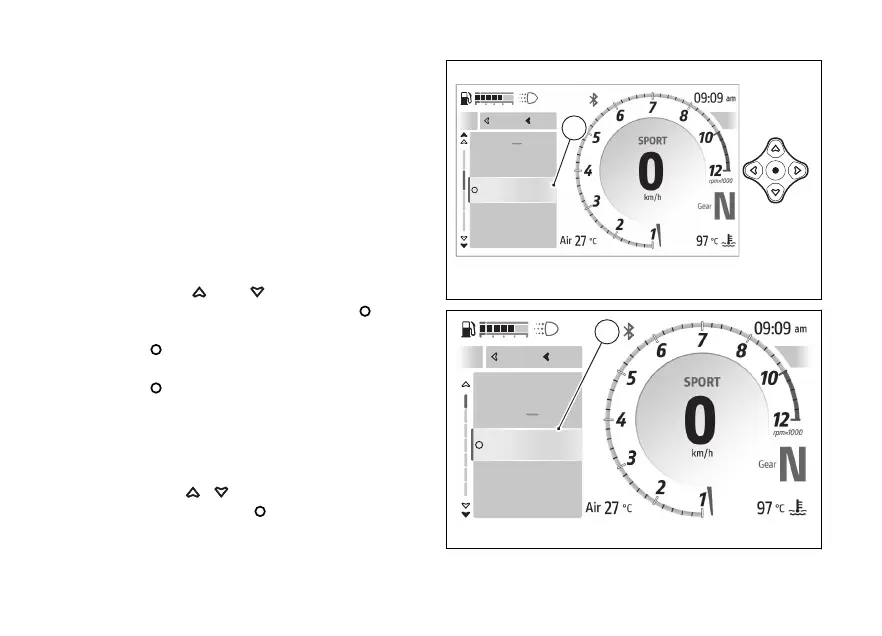
To open this function:
●
Open the function menu.
●
Use
and to select the
features” item and press the .
●
Select the “Phone” item (A) and press the
.
●
Select the “Recent calls” item and press the
.
The list of the last 7 calls made, received or missed
(B) is displayed If a number or contact is present
several times among the last calls, this is displayed
only once.
Use the
to scroll through the calls in
the list. Press the to make a call to the
number or phone contact selected in the list.
A
Navigator
Phone
Music
Device Status
Close
Back
A
Fig 126
Close
Back
A
Cristian M...
Mario Rossi
+39 1234567890
Giovanni Bianchi
Close
Back
B
Fig 127
164










 To Next Page