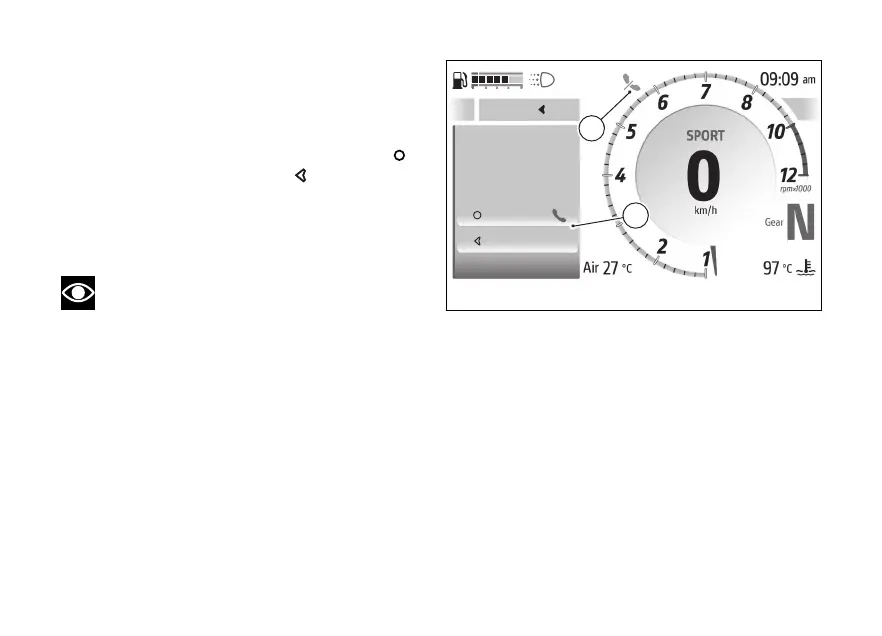
Call back
At the end of a call or declining an incoming call,
the window with the name or number of the phone
contact and “Accept” and Decline” items (F) will be
displayed for a few seconds: press the
to
the call, press the
to decline it.
Missed call
In case of missed call, the display will show the icon
(G) for 60 seconds, flashing for the first 3 seconds.
Note
The number of missed calls is not displayed.
Close
A
My Ride
Setings
Smar features
Confirm
Decline
Call back
Mario
Rossi
F
G
Fig 130
167










 To Next Page