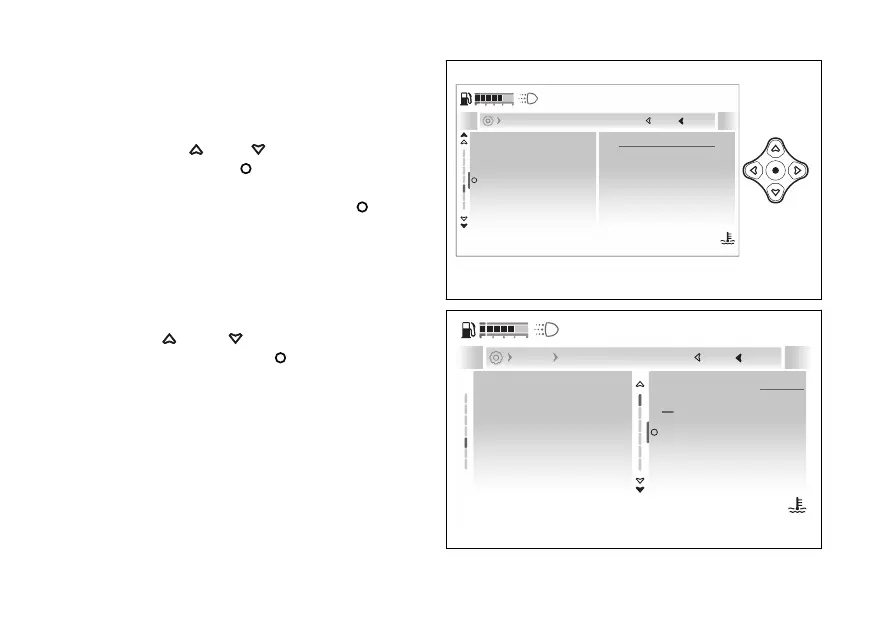
- Display - Language
This function allows the instrument panel
language.
●
Enter the menu.
●
Use
and to select the “Display”
item and press the
●
Select the “Language” item (the current
language is displayed) and press the
The following items are displayed: “English, Italiano,
Deutsch, Français, Nederlands, Español” and the
currently set language.
At the top of the screen page is the path of the
parameter being set.
Use and to scroll and select the
desired language. Press the to confirm.
Date and time
Language
Fuel indicator
Trip master precision
Units
English
Current
Close
Back
Display
120
°C
09:09
am
N
Gear
Fig 205
Date and time
Language
Fuel indicator
Trip master precision
Units
English
Español
Italiano
Deutsch
English
Current
Close
Back
Display Language
120
°C
09:09
am
N
Gear
Fig 206
243










 To Next Page