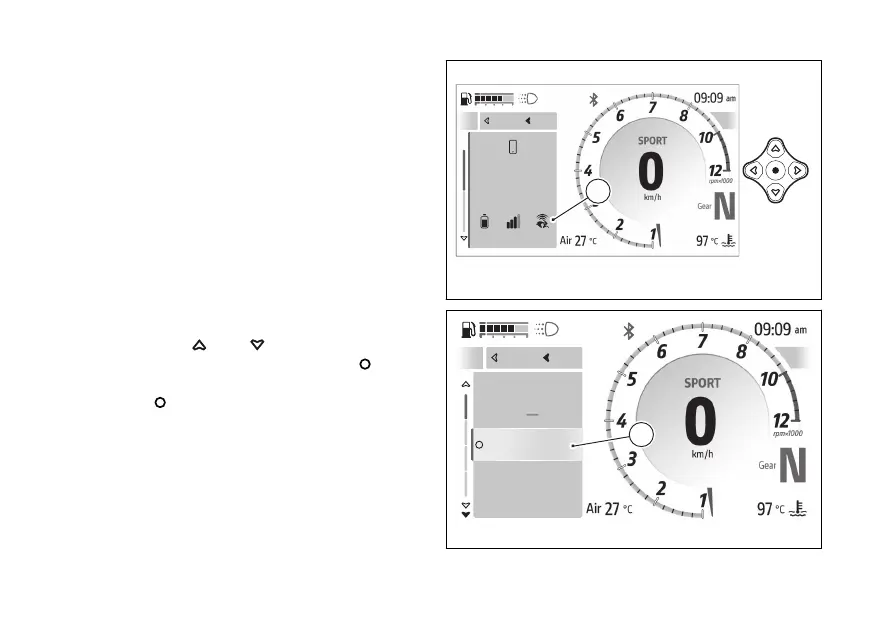
The function appears in the features” menu
only if the following is observed:
●
have previously paired the to the
instrument panel via Bluetooth;
●
have the Bluetooth connection active on your
●
have the paired connected.
●
The Ducati Link function must be activated on
the Successful connection is
indicated by the presence of the Ducati Link icon
(A) within the “Device status” function in the
features” menu.
To the function:
●
Open the function menu.
●
Use
and to select the
features” item and press the .
●
Select the “Navigator” (B) item and press the
.
Close
Back
A
Iphone 15 Plus
72%
Connected
Close
Back
A
Fig 121
A
Device Status
Navigator
Phone
Music
Close
Back
B
Fig 122
159










 To Next Page