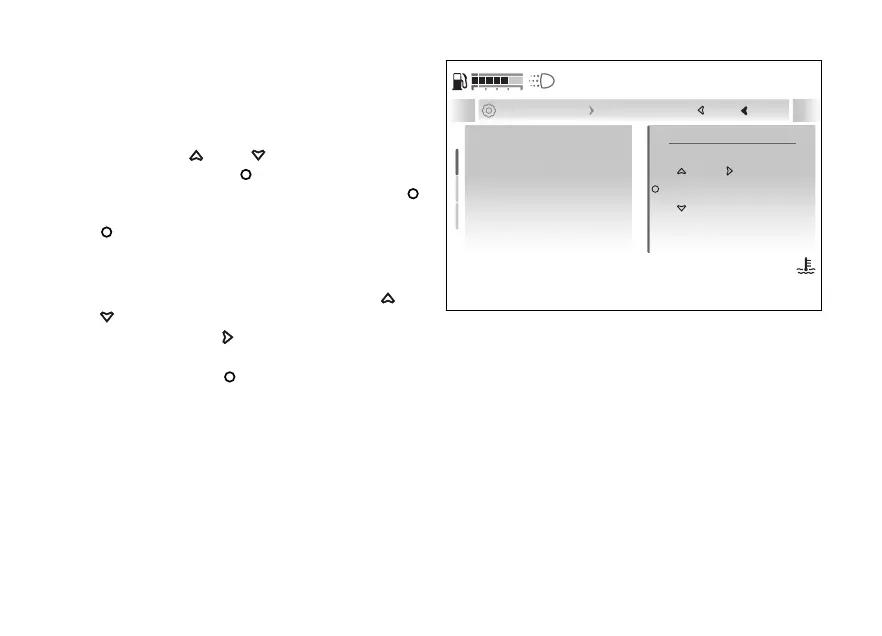
Set date
This function allows the date, in the example
shown here the date format is year/month/day.
●
Enter the menu.
●
Use
and to select the “Display”
item and press the
●
Select the “Date and time” item and press
.
●
Select the “Set date” item and press the
.
●
The first date parameter (in the example the
year) becomes editable and is displayed with two
arrows above and below it. Use
and
to scroll and select the desired value.
●
Press the
to edit to the next
parameter.
●
Press the
confirm the entered date.
If the date just entered is not valid, the message
“Wrong” is displayed for a few seconds.
it will be possible to enter the
correct date.
2024 / 12 / 21
Set date
Date format
Set time
Current: 2024 / 12 / 21
Close
Back
... Date and time Set date
120
°C
09:09
am
N
Gear
Fig 189
233










 To Next Page