Speed
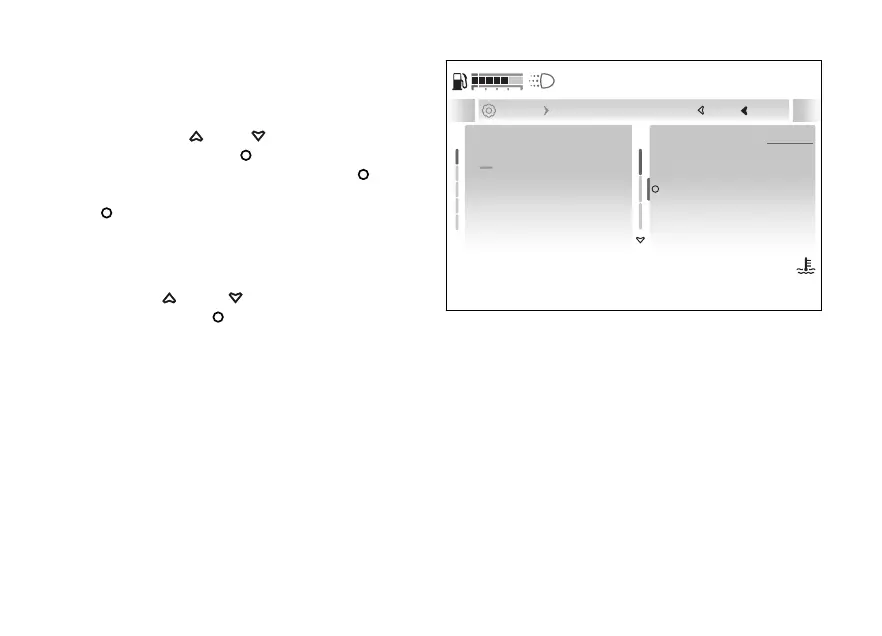
To set the speed measurement unit:
●
Enter the menu.
●
Use
and to select the “Display”
item and press the
●
Select the “Units” option and press
.
●
Select the “Speed” item and press the
.
The “km/h”, “mph” and “Default” options are
displayed (only visible if the measurement unit has
been previously changed).
Use and to scroll and select the
desired item. Press to confirm.
Close
Back
120
°C
09:09
am
N
Gear
km/h
km/h
mph
Speed
Temperature
Consumption
Default
Default
... Units Speed
A
Fig 196
237










 To Next Page