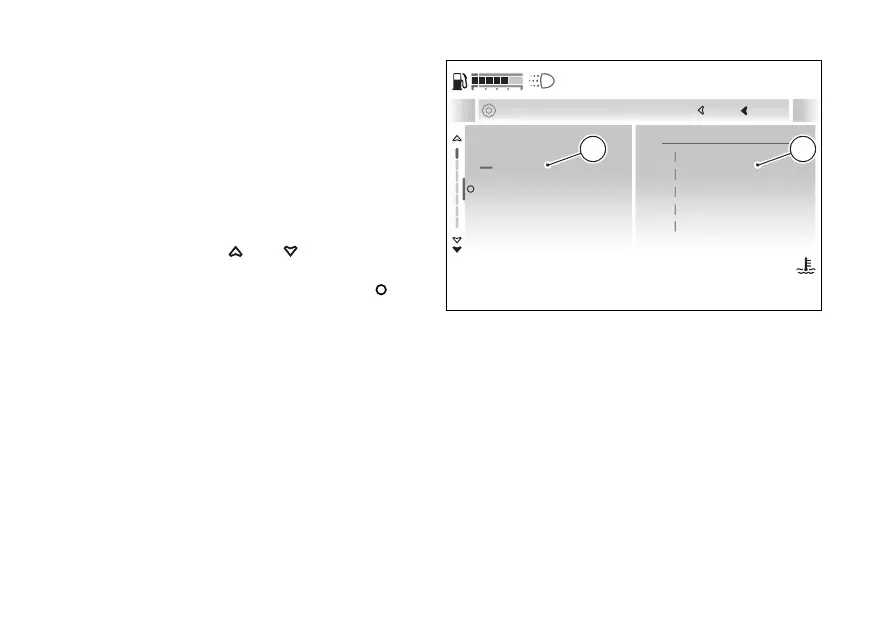
Modify order
The following description is valid for both “General
info order” and “Trip info order”; in the example
shown, the position of the “Total” item contained in
the “General info order” submenu is changed:
●
On the side (A), the items with the
number corresponding to their current position
are listed. The current order of the items is
displayed on the right-hand side (B).
●
Using the
and select the item for
which you want to change the position (in the
example “Total”) and press the .
Rear tyre
Total
Range
Consumption
5
1
2
3
1
Total
2
Consumption
3
Range
4
Front tyre
5
Rear tyre
Current General
Close
Back
... General info order
120
°C
09:09
am
N
Gear
Fig 213
247










 To Next Page