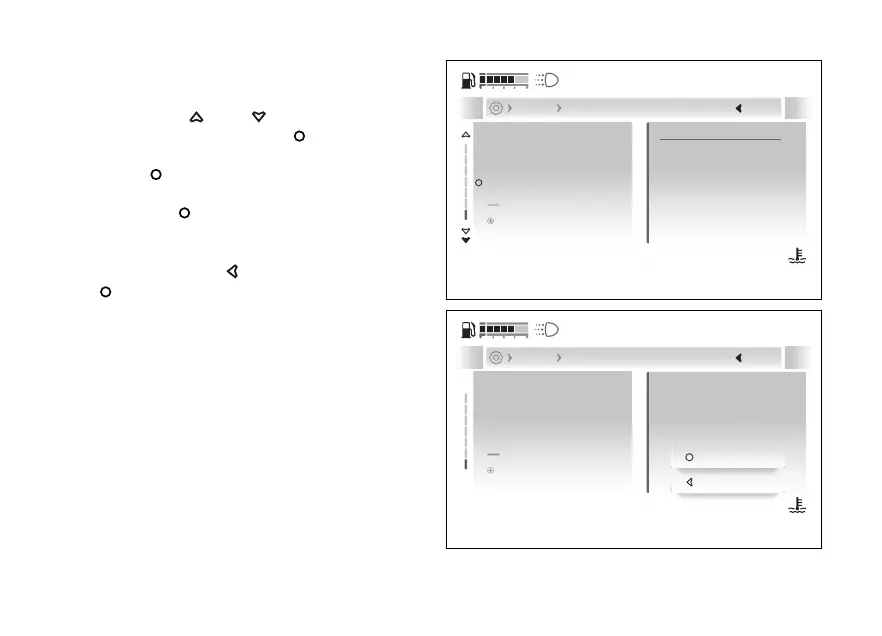
Deleting all Bluetooth devices
●
Enter the menu.
●
Use
and to select the “Devices”
item and press the .
●
Select the “Bluetooth” item and press the
.
●
Select the “Forget all devices” item and press
the
.
●
“Forget all paired devices?” is displayed,
followed by the “Confirm” and “Decline” options.
Press the
to cancel or the
to confirm and return to the previous screen
with the updated list of devices.
IPhone XYZ X...
Add device
Forget all devices
Samsung FTRS XXXXXX
Forget all paired devices
Next
Devices Bluetooth
A
Fig 224
Confirm
Decline
Forget all
paired devices?
Devices Bluetooth
IPhone XYZ X...
Add device
Forget all devices
Samsung FTRS XXXXXX
A
Fig 225
256










 To Next Page