8.2.3 Create boot project and start application
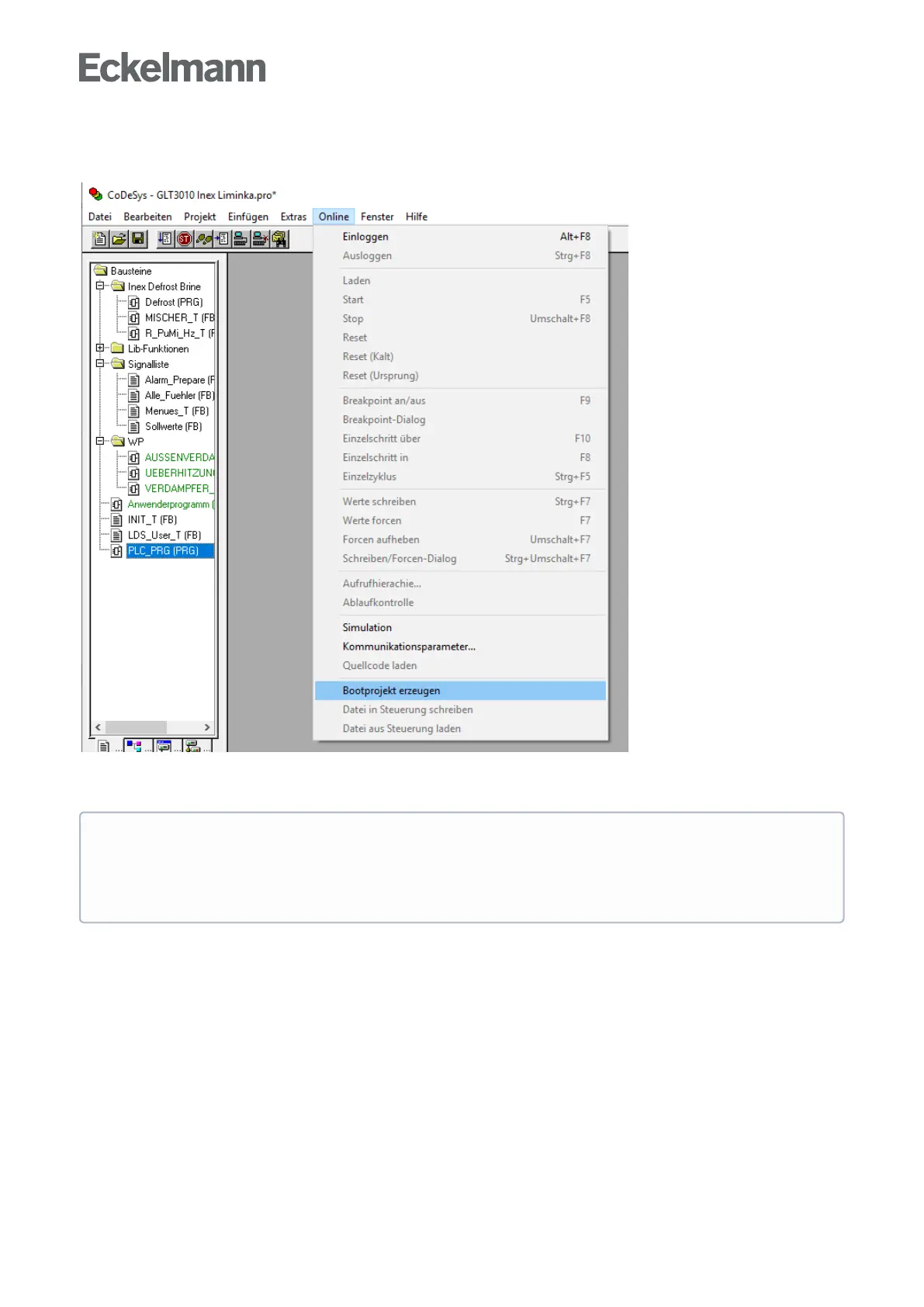
Create boot project
After loading the project, the boot project is created and written (flashed) to the controller.
Start application
The application is started in the controller via the menu selection "Online → Start" (or by pressing the F5 key).
ATTENTION
The changes are only remanent if the boot project is created during an existing connection (menu
selection "Online → Create boot project") and are also still available after a restart (e.g. after a power
failure)!



 To Next Page