1.
2.
•
•
7.1 Starting the tool and settings
There are two ways to start the tool
Double click on the file with the name "~.sigcfg" (preferred method)
The Signal List is loaded automatically.
Direct start of the tool
TheSignalListmustbeselectedviathemenu[File→Select].
7.2 Menu functions
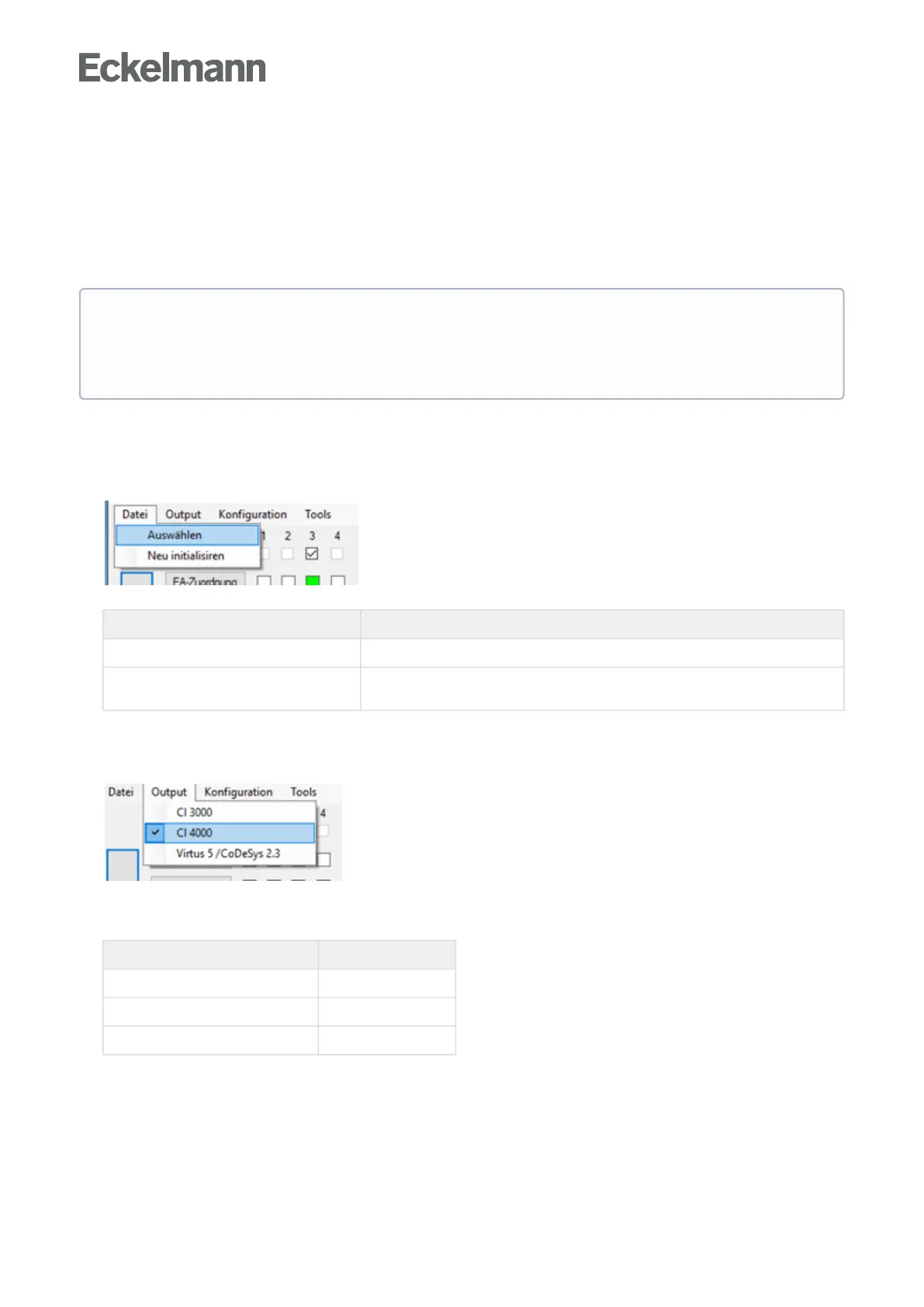
File menu
Selection Description
Select Select and load a new Signal List manually.
Reinitialise The tool must be reinitialised if new columns have been inserted in the Signal List or
their sequence has been changed.
Output Menu
Determines which system centre and controller are used.
Selection GLT type
→ CI 3000 = GLT 3010
→ CI 4000 = GLT 3010
→ Virtus 5 / CODESYS 2.3 = GLT 5010
Note
The Signal List must be linked to this file extension to start via the sigcfg file.
Thelinkissetupbycallingupthemenuitem"Tools→Bind.sigcfg".Theprogrammusthavepreviously
been started with administrator rights.



 To Next Page