1.
2.
8.2 Importing the application using CODESYS
Importing the application using CODESYS is described in the following chapters. The following requirements
must be met for the import:
The controller is connected to the PC/ Notebook via the RS232 interfaces and the communications
parameters are set correctly.
The project is compiled without errors.
Advanced
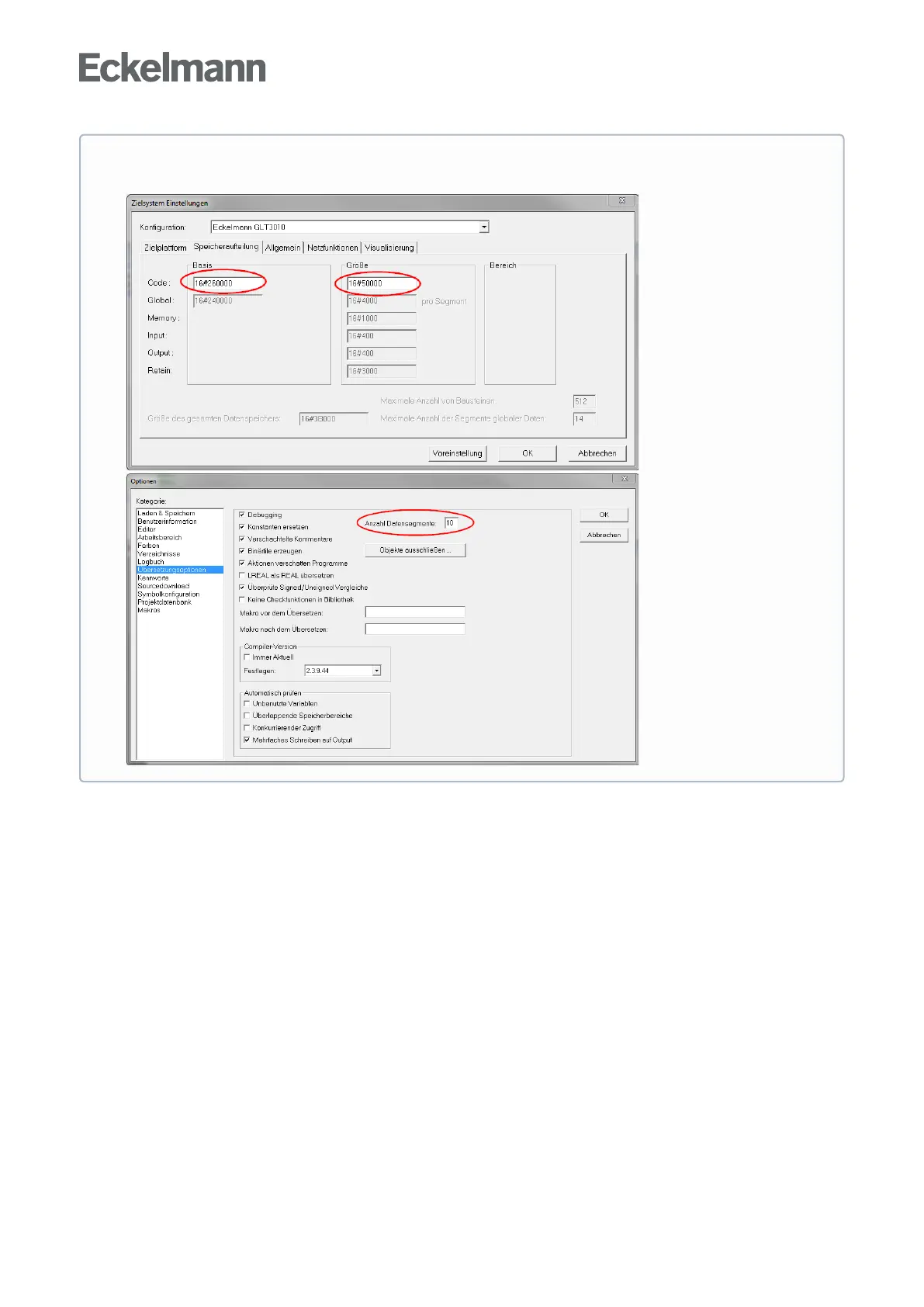
Configuration options for data and program memory



 To Next Page