182
Technical Publication Document NO: SYSTEM-007-ENG (Ver.1.1)
HF-525Plus Installation, Operation and Service Manual
8.2.2 Power Off
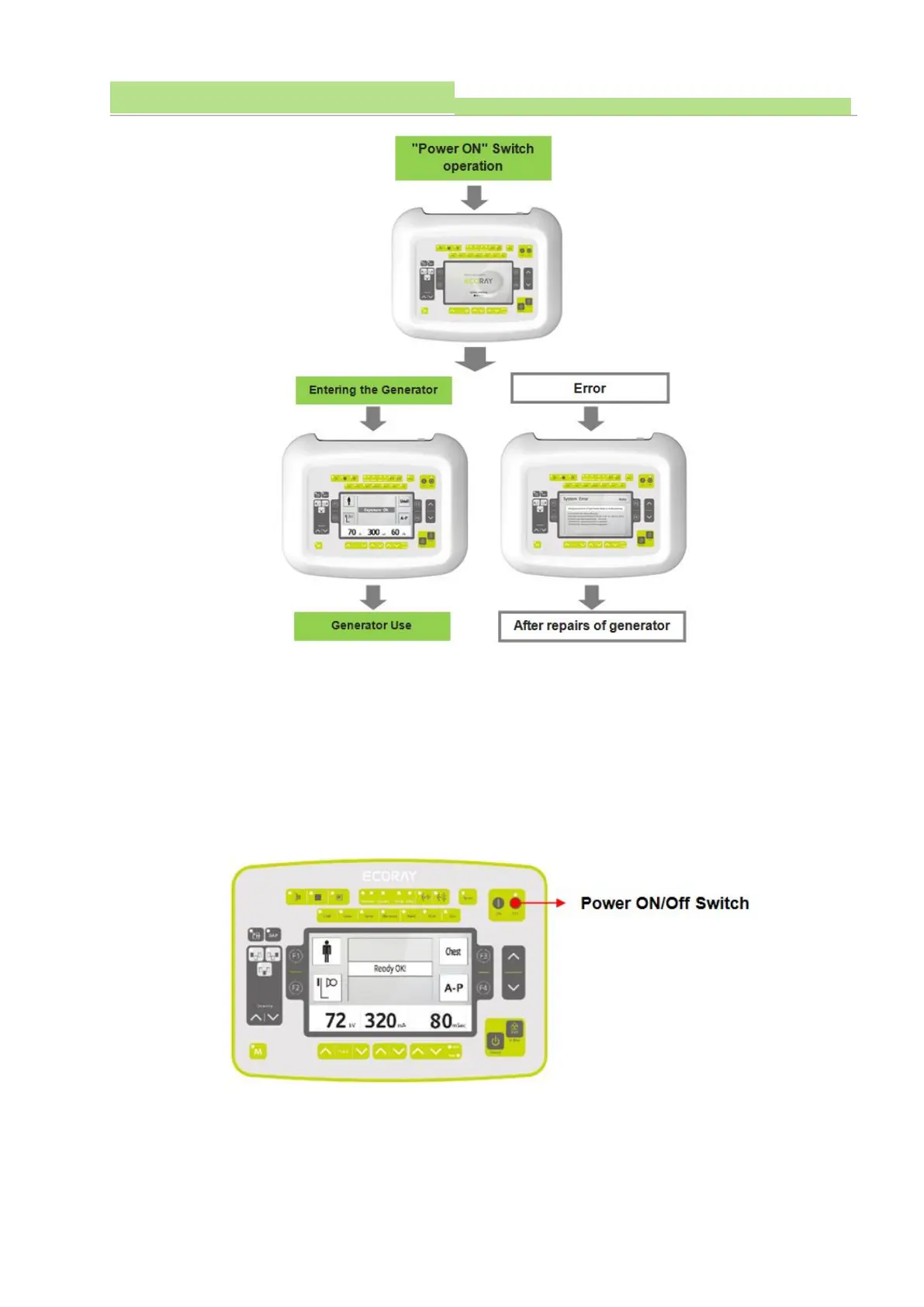
■ To turn off the X-ray system, press the Power Switch on the console to Power “Off”.
■ Activating the console's Power “Off” switch will stop the x-ray system operation at the same time.
▶ CAUTION
Before Power "Off, if not saved the patient data and image information will be lost, so you must save
the data before Power "Off".



 To Next Page