150
Technical Publication Document NO: SYSTEM-007-ENG (Ver.1.1)
HF-525Plus Installation, Operation and Service Manual
Indication of X-ray tube,
focal spot
Indication of the location and focal spot of X-ray tube which is
selected on the setup part.
Indication of the kV range which is selected on the setup part.
Indication of the mA range which is selected on the setup part.
Indication of the mA range which is inputted on the data input
window.
Input data of the Mio CPU into calibration program.
Indication of X-ray
exposure parameters
Indication of kV, mA for fluoroscopy.
Selection of other
functions
Selection of filament focal, calibration On/Off, X-ray tube.
Input kV, mA for calibration.
6.6 Calibration of radiography
6.6.1 Power ON
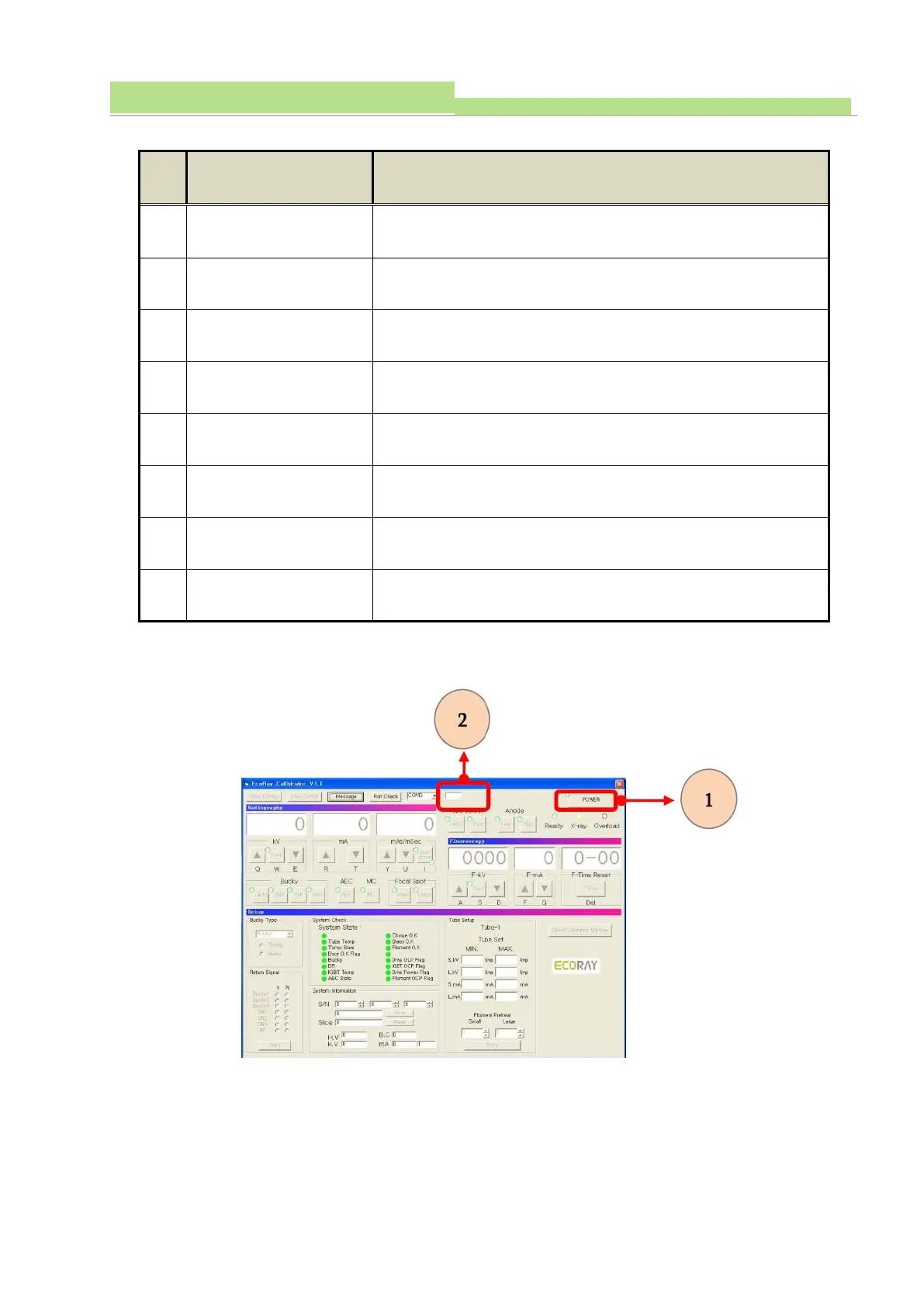
● Execute “Power ON” (see No 1of the above fig).
● Then, it indicates 52 of data signal (input/output) address number (see No 2 of the above fig).
● Automatic start to “Operation Part & Setup Part”.



 To Next Page