177
Technical Publication Document NO: SYSTEM-007-ENG (Ver.1.1)
HF-525Plus Installation, Operation and Service Manual
CAUTION ▶
If you press the Ready switch (Figure 4) on the console and then release the Ready switch (Figure 4)
while the Ready is in progress, X-ray shooting will stop. So, be careful to press both Ready and X-ray
buttons at the same time without releasing your hand.
7.3 How to use Tube Stand Handle bar
7.3.1 LCD display window on Handle bar
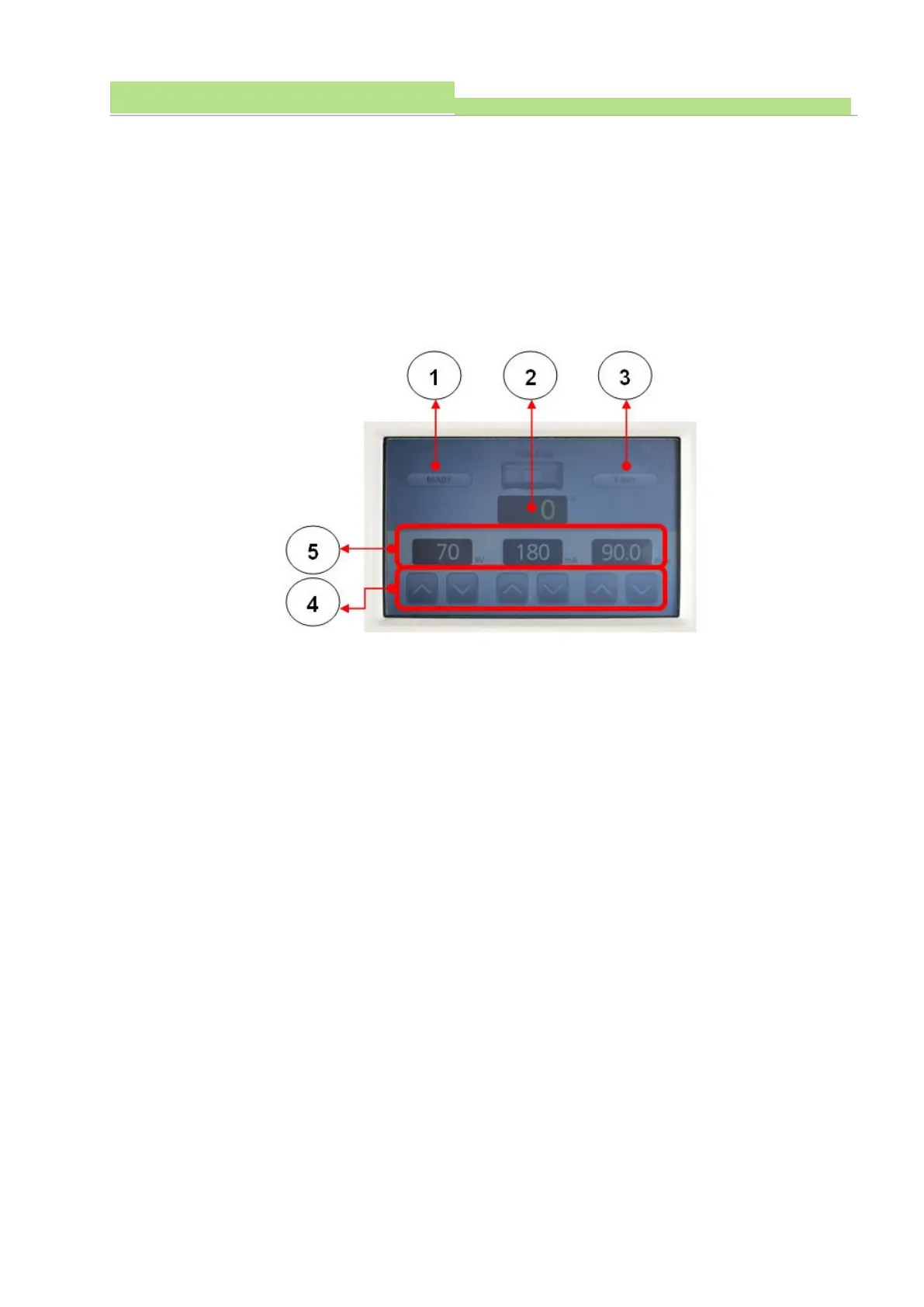
The LCD display on the Handle Bar displays the X-ray irradiation condition set in the X-ray console
and the rotation angle of the X-ray tube.
■ How to use
● Figure1
(1) It shows the operation status of Ready and X-Ray in console.
(2) When Ready is running on the console, the Ready icon lights up green (Figure 1).
● Figure2
(1) Displays the angle of rotation of the X-ray tube.
(2) When you rotate the Handle bar, the angle of rotation is indicated by a number in the LCD display
window (Figure 2).
● Figure3
(1) It shows the operation status of Ready and X-Ray in console.
(2) When X-Ray is running on the console, the Ready icon lights up yellow (Figure 1).
● Figure4
(1) KV, mA, sec (Figure 4), and the X-ray irradiation conditions are operated in conjunction with the
console.
(2) When the KV, mA, sec (Figure 4) is adjusted, the changed X-ray irradiation conditions are
displayed numerically in the LCD Display (Figure 5).
7.3.2 Handle bar
The Handle bar is a device that moves the X-ray tube device to the position where the patient is to be
taken. It consists of an X-ray tube, an LCD display window, a lock operation switch, and a handle.
■ How to use



 To Next Page