41
Technical Publication Document NO: SYSTEM-007-ENG (Ver.1.1)
HF-525Plus Installation, Operation and Service Manual
5.9.5 Start Installation
Installation procedure of X-ray generator
●Check serial no on the attached label with enveloped certificate’s serial no.
● Remove the generator cabinet.(Remove bolts beside of generator cover)
● Check external condition and internal cable wiring condition. If damage parts are found, order that
parts immediately to distributor to prevent delayed installation.
● Move the generator to the installation position. (At least, two adults are required to move this
generator)
● If released connector is found, should connect it in the installation site.
● Connect cables by wiring diagram. (Refer to Wiring diagram)
● Check cable wiring condition again after wiring.
● Connect main electric power after checking wiring.
● Must check input voltage with tester before connect it with generator.
● Power ON the circuit breaker after checking input voltage.
● Check input voltage of each part.
● Check functions after Power ON of Console.
● Engineer never leave installation site until installation is completely finished.
WARNING▶
Two adults are required to remove generator from the wooden pallet.
WARNING▶
Never use re-connected communication cable after cutting!
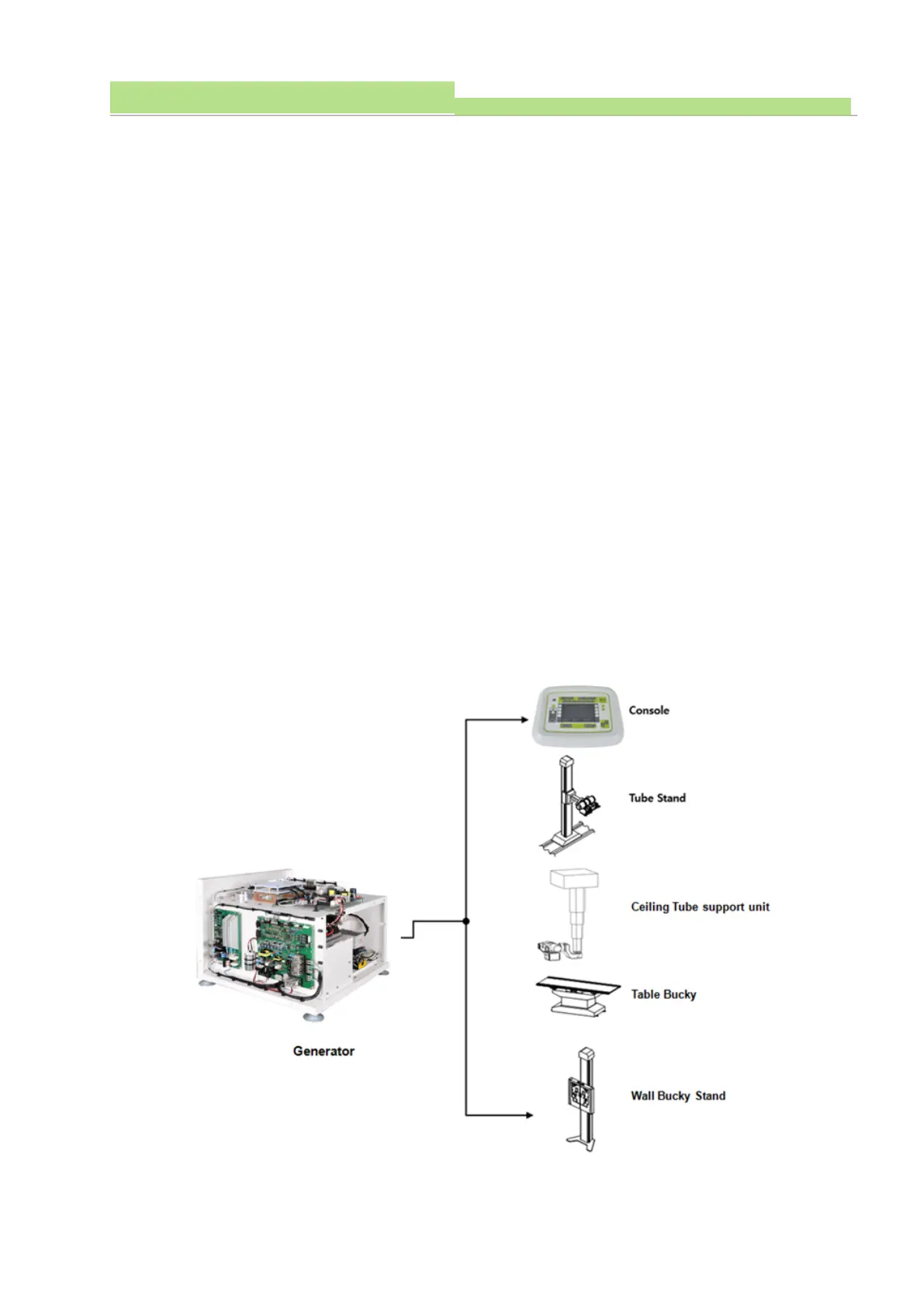
5.9.5.1 Consist of External Devices



 To Next Page