SE-1201 Electrocardiograph User Manual Printing ECG Reports
- 48 -
2. When the main screen is displayed, press the MODE key to select the auto mode. Press F3 to
select a paper speed. Press F4 to switch the gain. Press F5 to set the EMG filter or the
Lowpass filter.
3. Press the PRINT/STOP key to print an ECG report. It will stop automatically after printing a
complete ECG report of 12 leads. Or press the PRINT/STOP key again to stop printing the
report.
6.1.2 Manual Mode
Operation Method:
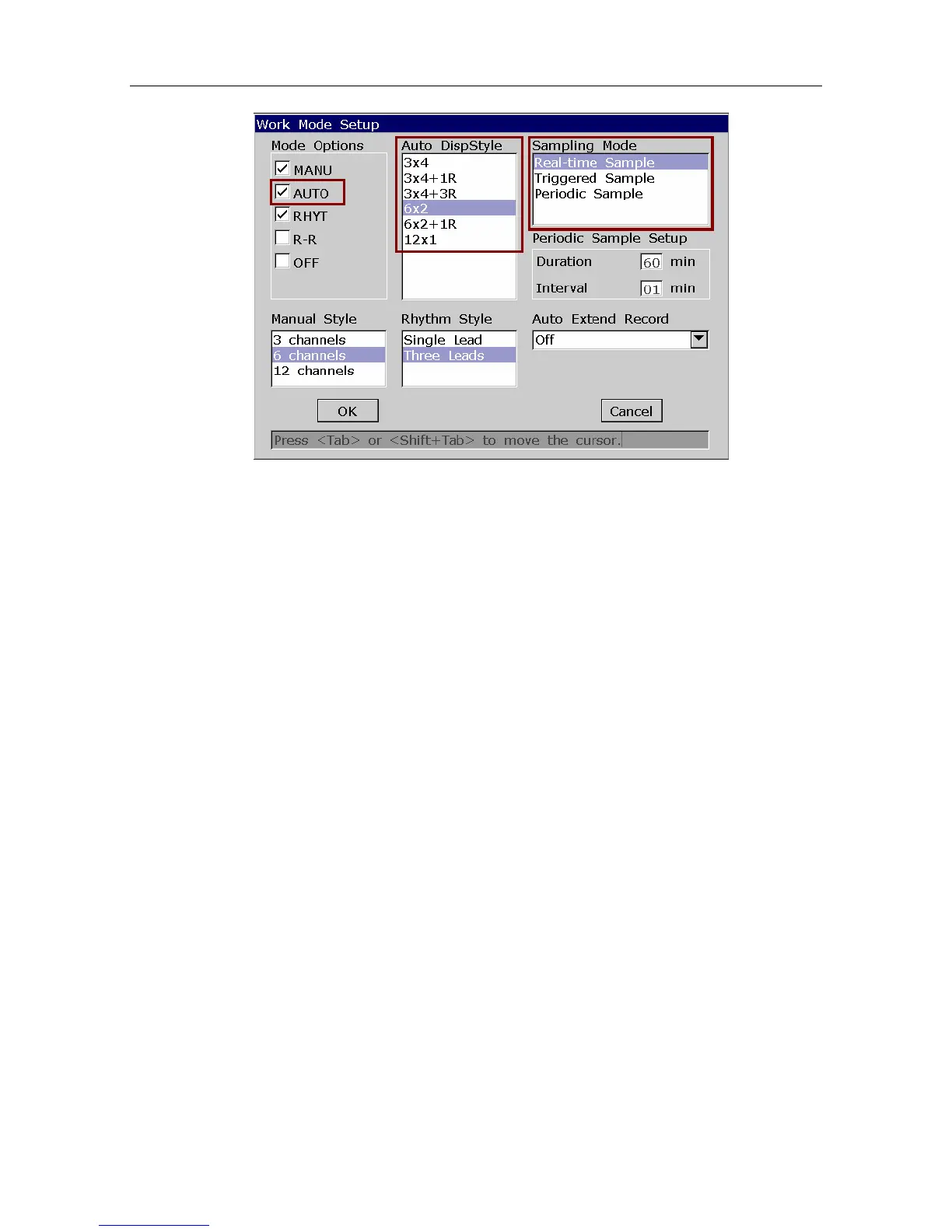
1. To set Mode Options, Manual Style or Lead Sequence (Optional)
1) Select MANU from the Mode Option list in the Work Mode Setup window.
2) Select a style from the Manual Style list in the Work Mode Setup window.
3) Select a sequence from the Lead Sequence list in the Lead Setup window.
4) Press Enter to confirm.



 To Next Page