27
support@edgeovens.com
Technical Support: +1 (724) 628 3050
INSTALLATION
OVEN ASSEMBLY
CONVEYOR BELT & FINGER PANEL REMOVAL AND INSPECTION (CONT)
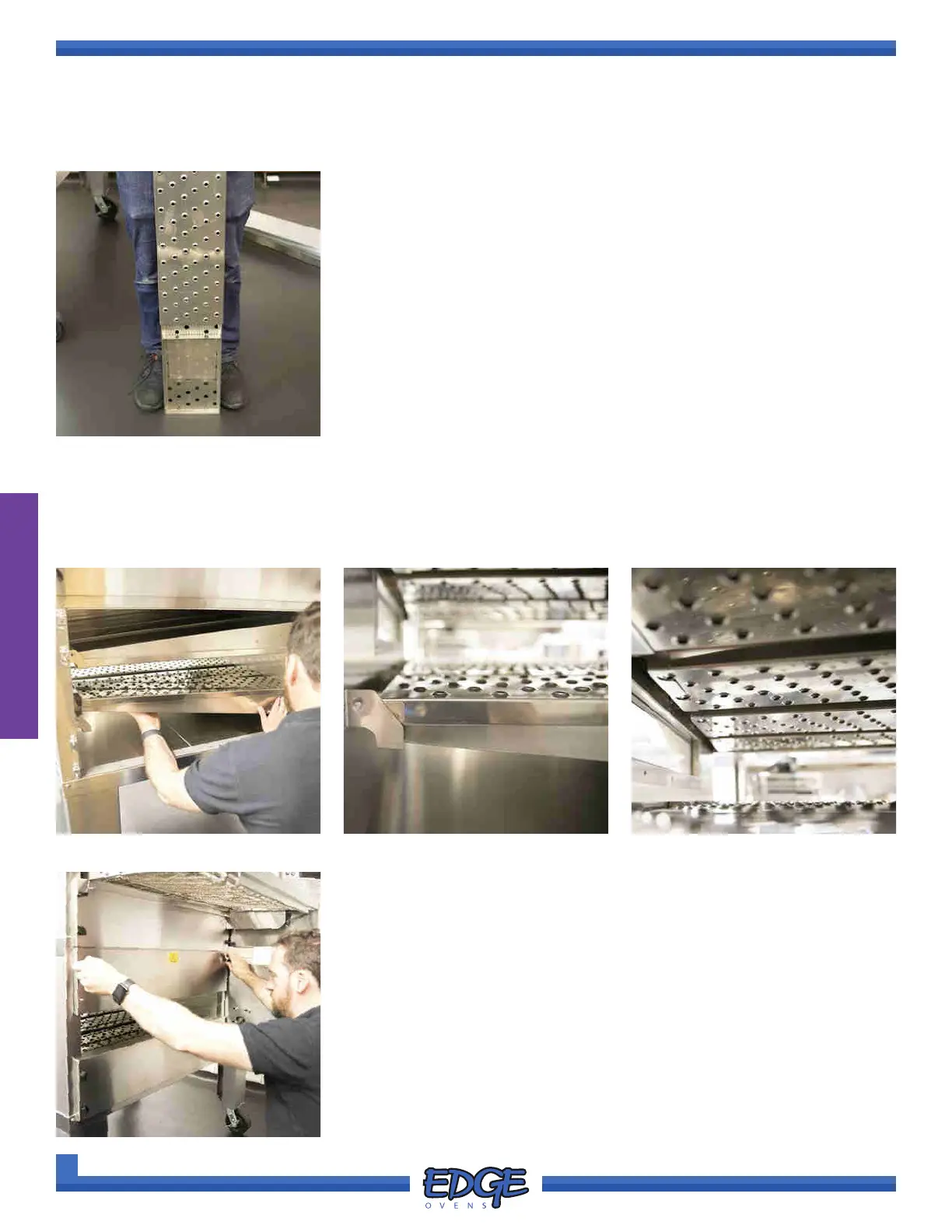
FIGURE 2-51
7. Slide the nger cover off the nger housing to verify the columnating
panel (or nger insert) within. (Figure 2-51)
Verify that the nger cover, columnating panel and the position of the
nger panel assembly within the oven are correct.
Refer to the identication chart in the “FINGER ASSEMBLIES” section
for further information.
8. Install the removed and veried nger panels back in the oven in the correct order. (Figure 2-52)
Be sure that the nger panels are correctly seated against the plenum wall and fully rested in the front
brackets. The nger panels should sit at horizontal across the oven chamber. (Figure 2-53 & Figure 54)
FIGURE 2-52
FIGURE 2-55
9. When nished, install the oven end panels and wingnuts. DO NOT
over tighten the wingnuts. (Figure 2-55)
FIGURE 2-53 FIGURE 2-54



 To Next Page