5-82
4205 SIDE SCAN SYSTEM 0021769_REV_D
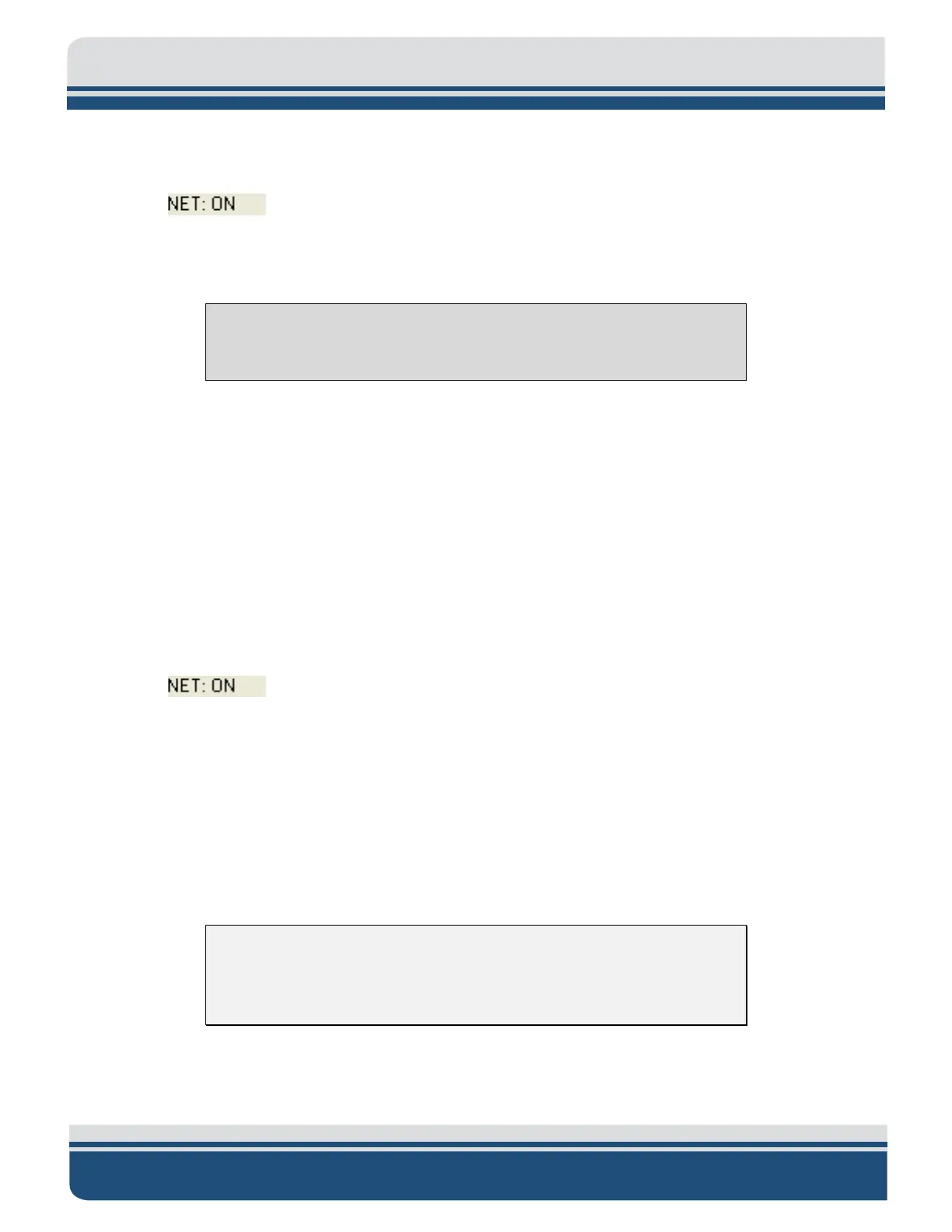
established and then illuminate continuously when the link is found. Also, the NET Radio Indicator
Tab in the lower control panel of the Discover application UI should display:
5.1.3 Activating a Starmux III System
Note: The Starmux IV has replaced the Starmux III. This section is included
only to support systems sold with the Starmux III.
To activate the Starmux III Digital Link System:
1. Turn on the computer and launch the Discover application.
2. Turn on the line power switch on the back panel of the Starmux III Digital Link. This switch can be
left in the on position at all times if desired.
3. Turn on the power switch on the front panel.
4. The fish power indicator light should illuminate; the LAN indicator light should flash continuously,
and the LINK indicator light should flash while a reliable communications link with the towfish is
being established and then illuminate continuously when the link is found. Also, the NET Radio
Indicator Tab in the lower control panel of the Discover application UI should display:
..
5.2 Performing Pre-deployment Checks
The pre-deployment checks should be performed after the system is activated and before the towfish is
deployed. These checks involve verifying that data can be recorded and played back in Discover; rubbing
one’s hand on the transducer arrays while observing the sonar display in the Discover Main window;
verifying correct heading, pitch, and roll outputs; and zeroing the pressure sensor.
1. Activate your System, using the specific instructions detailed above.
CAUTION! Do not allow the transducer arrays on the towfish to
continuously transmit in the air for an extended period, as damage to the
transducer arrays could occur.
2. In Discover, click the Towfish Control (4205MPMT) or Sidescan Control (4205 Tri-Frequency) tab
in the Lower Control panel, shown in
FIGURE 5-1 AND 5-2.


 To Next Page