Document ID: OMM-00131 Rev. E
18
3.6 Leveling the Printer
Using Machinist’s Levels or equivalent, follow these instructions to level the printer.
3.6.1 Level Locations
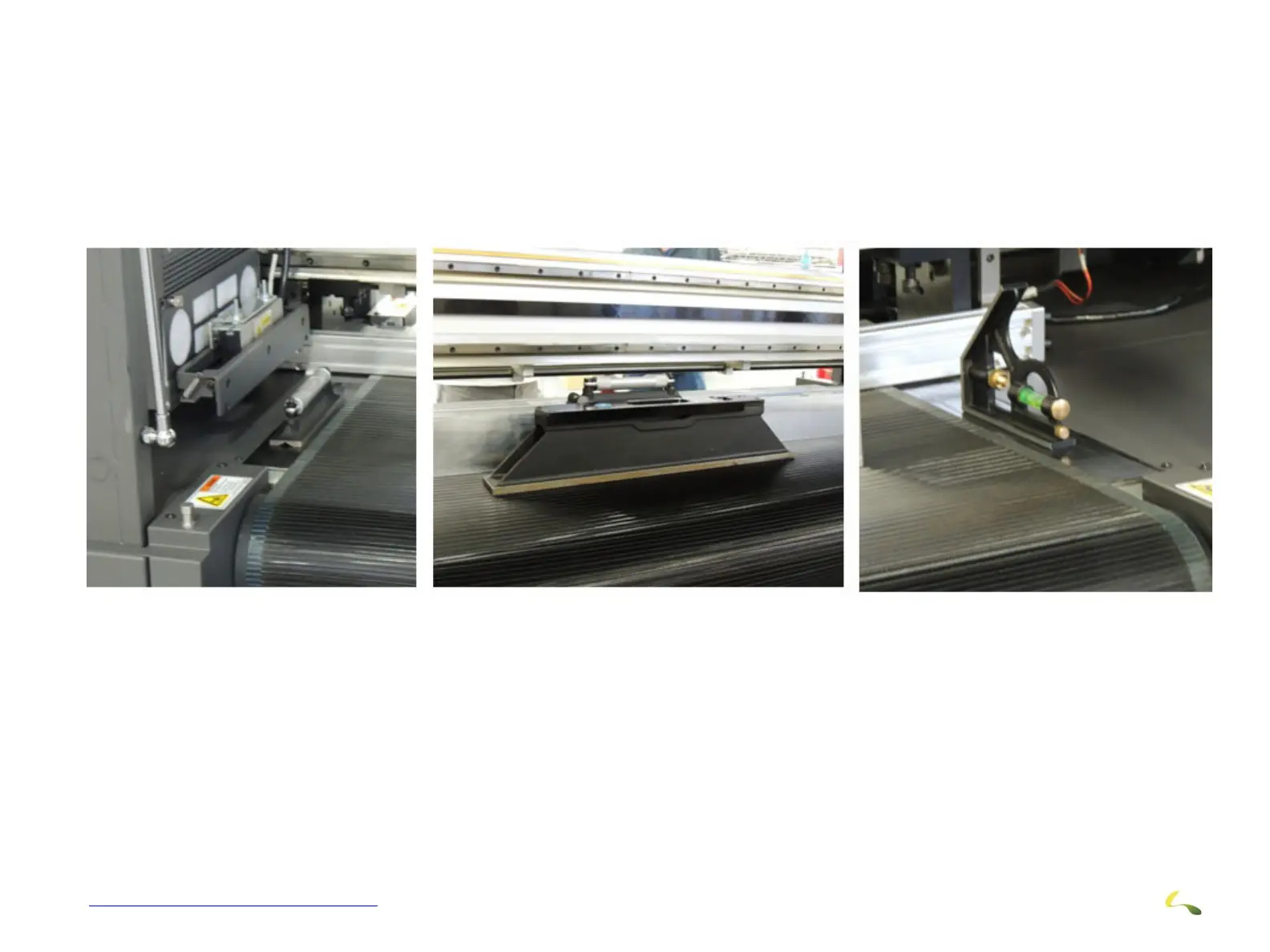
Place three levels at the locations shown prior to making adjustments to the leveling feet.
1. Place two levels on the left and right sides of the media belt to check front-to-back level and to check for printer “twist”.
2. Place another level on the center of the media belt for side-to-side leveling.
Left Side Level Center Level Right Side Level
Figure 3-8: Level Locations



 To Next Page