Document ID: OMM-00131 Rev. E
26
3.8 Computer Installation and Connections
Setup and Install the Computer as described in this Section.
3.8.1 Computer Connections
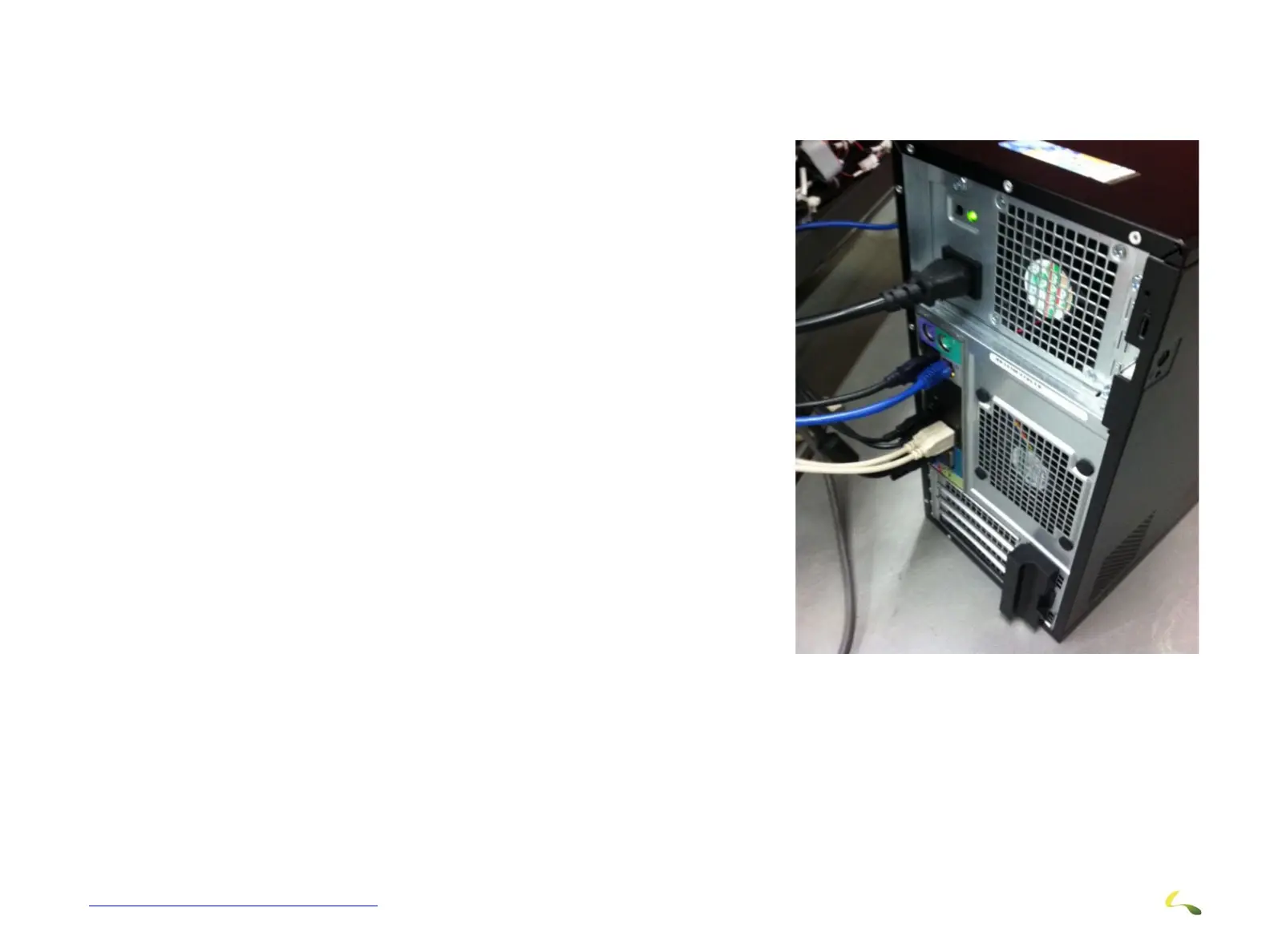
Make Computer Connections as follows:
1. Main Power
2. Mouse and Keyboard.
3. USB Connections - Connect to front of Computer.
4. Monitor Connections
5. PLC cable has an adapter already installed on it (must be USB2.0)
6. Printer USB cable (must be a USB 3.0)
Figure 3-19: Computer Connections



 To Next Page