Document ID: OMM-00131 Rev. E
53
3.19 Rigid Media Fence Alignment
The rigid media fence may require adjustment during installation procedures. Check for misalignment and adjust the fence in
accordance with the following:
3.19.1 Rigid Media Fence Alignment Check
Check for proper fence alignment as follows:
1. Load a piece of rigid media onto the printer and align with fence and 90 degree block.
2. Print an image onto the media.
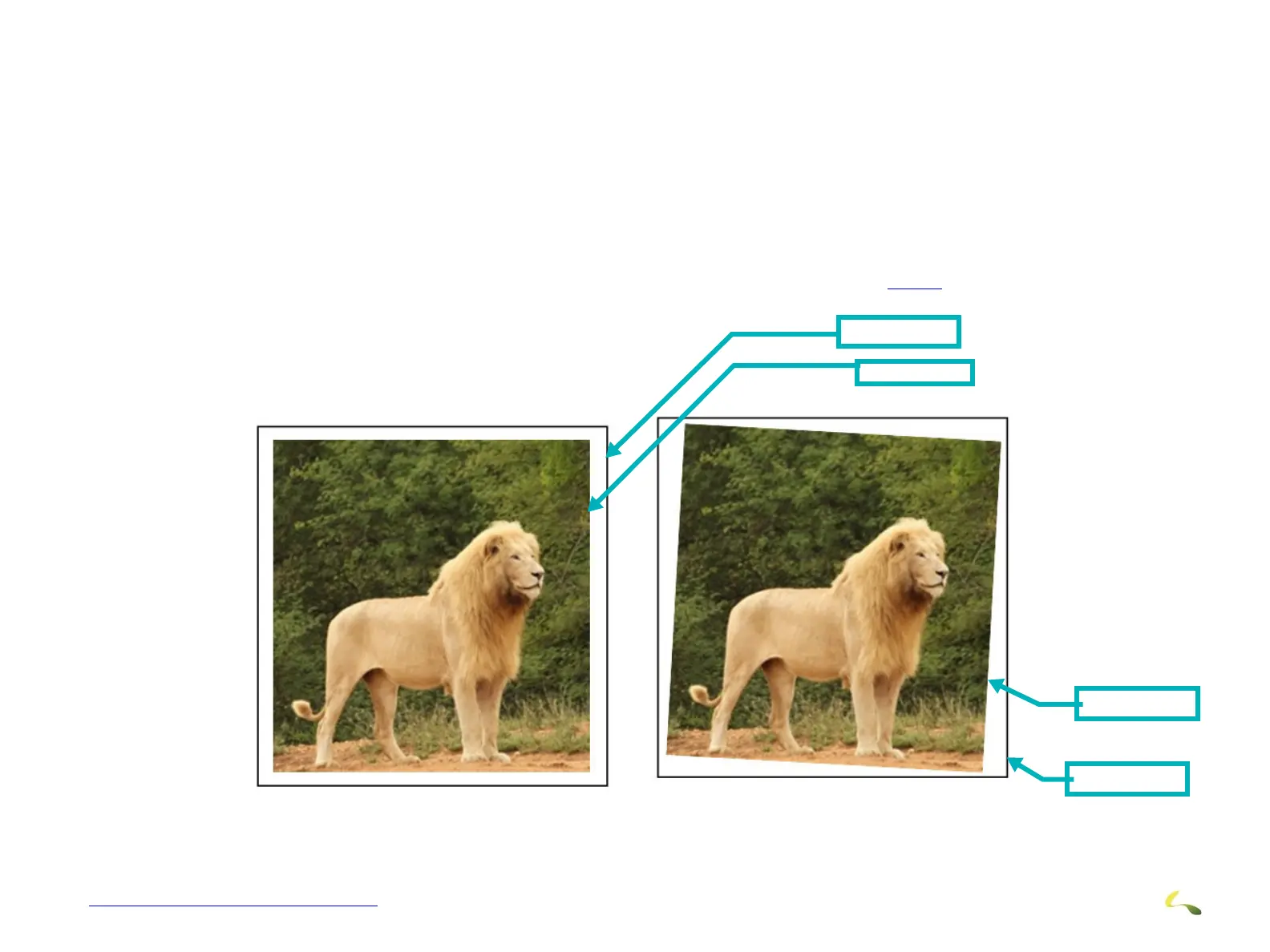
3. Check the distance from the edge of the media to the edge of the image to see if there are variations (skewed image).
4. If the image is skewed, make necessary adjustments to the fence as described in Section 3.19.2.
Image Properly Aligned Image Skewed (exaggerated)
Figure 3-52: Image Alignment
Image Edge
Media Edge
Media Edge
Image Edge



 To Next Page