Document ID: OMM-00131 Rev. E
38
3.10.3 Install Anti-Coning
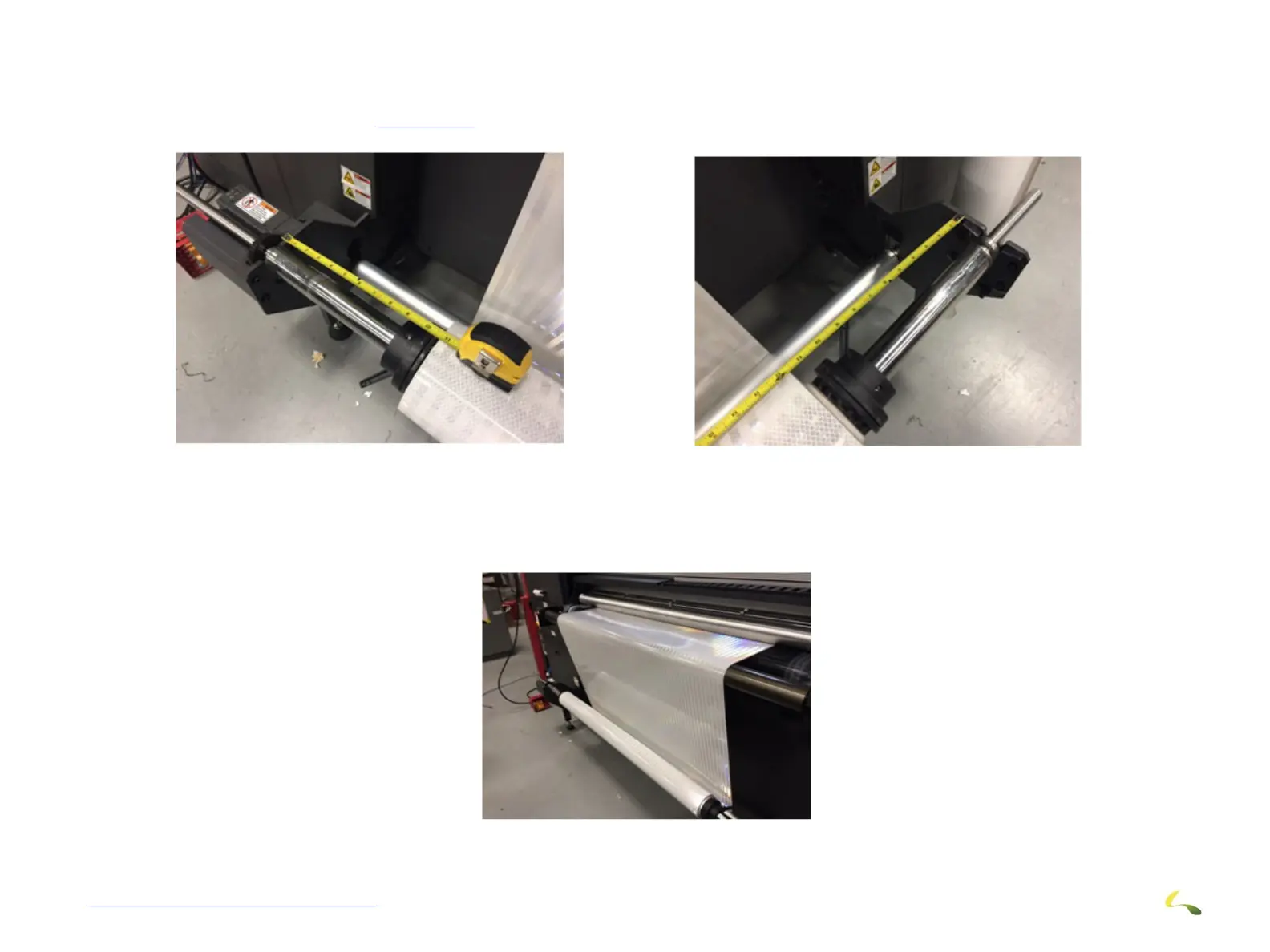
1. Load the roll media on the rear/supply roller aligned perfectly in the middle of the media roller and print area. Using a tape mea-
sure, verify this as seen in Figure 3-35
.
2. Load media over the media belt and down the front/take-up roller assembly as straight as you can.
.
Figure 3-35: Verify Supply Roll Alignment
Figure 3-36: Media Under Dancer Roll and Up Onto Belt



 To Next Page