Document ID: OMM-00131 Rev. E
49
3.15 Installing Ink
Follow these instructions to install and prepare the Ink System.
Note: Always wear protective goggles and an apron when working with UV-curable ink, as well as gloves as specified in the
product Usage Sheets.
Note: It may be necessary to clean the tubes and float connected to the cap.
Caution! Wear protective gloves and eye protection when replenishing ink.When replenishing White Ink ensure that the
“White Ink Bottle Recirculation” box is Unchecked in the Parameters System Tab prior to removing the ink line
from the ink container. Failure to do so will cause a quantity of white ink to spray from the recirculation line.
Recheck the “White Ink Bottle Recirculation” box after replenishing white ink.
1. Open a new ink container.
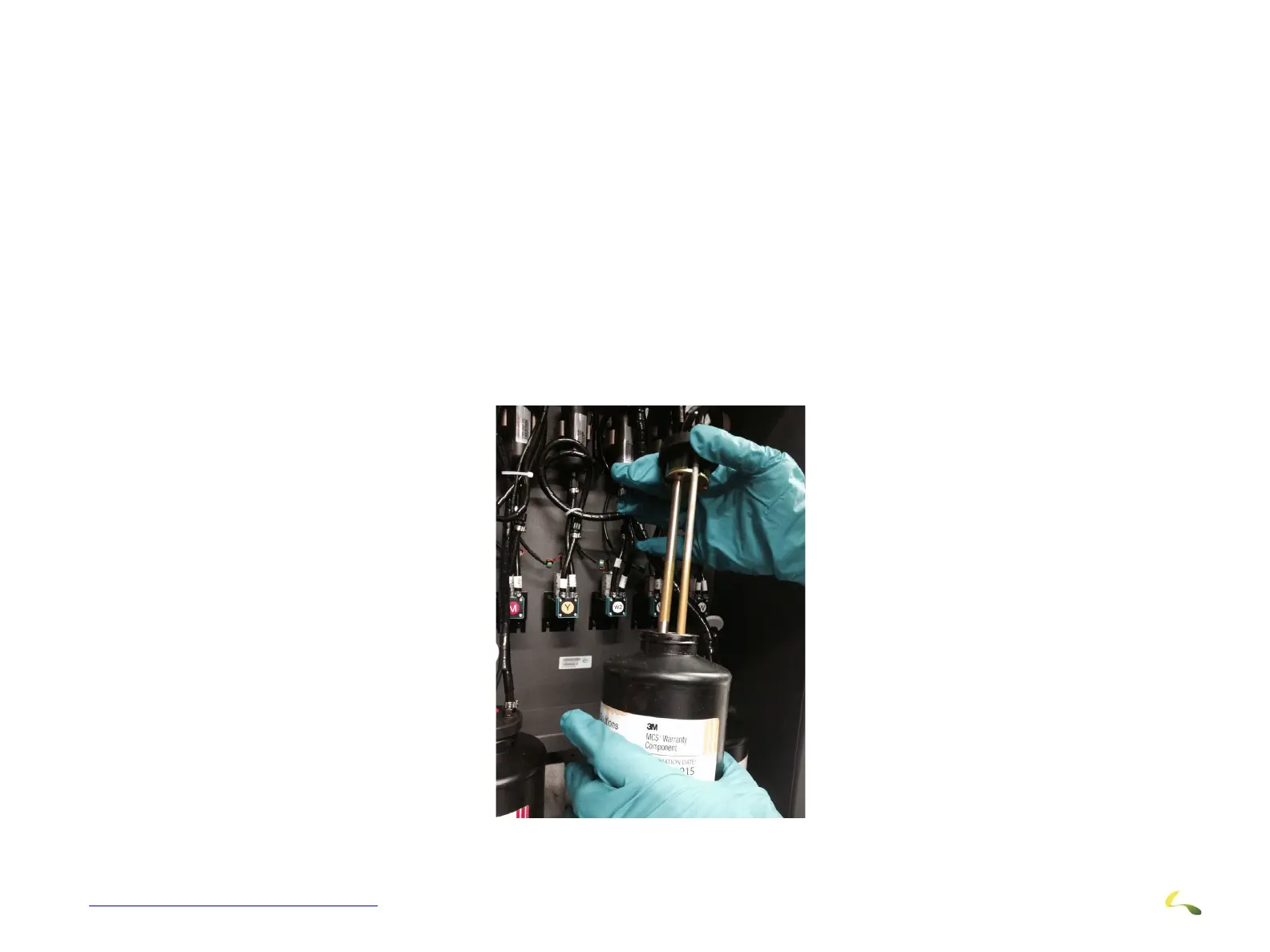
2. Insert the Cap and Float Components into the Ink container
3. Install container in Ink Compartment.
4. Wipe all surfaces clean.
Figure 3-47: Ink Installation (H1625 Shown)



 To Next Page