Document ID: OMM-00131 Rev. E
50
3.16 Printer Electrical Power
Important! Under no circumstances should anyone other than a licensed electrician make these connections or
otherwise attempt to make any electrical connections to the three wires at that end of the cable.
3.16.1 Main Power Cable Wiring
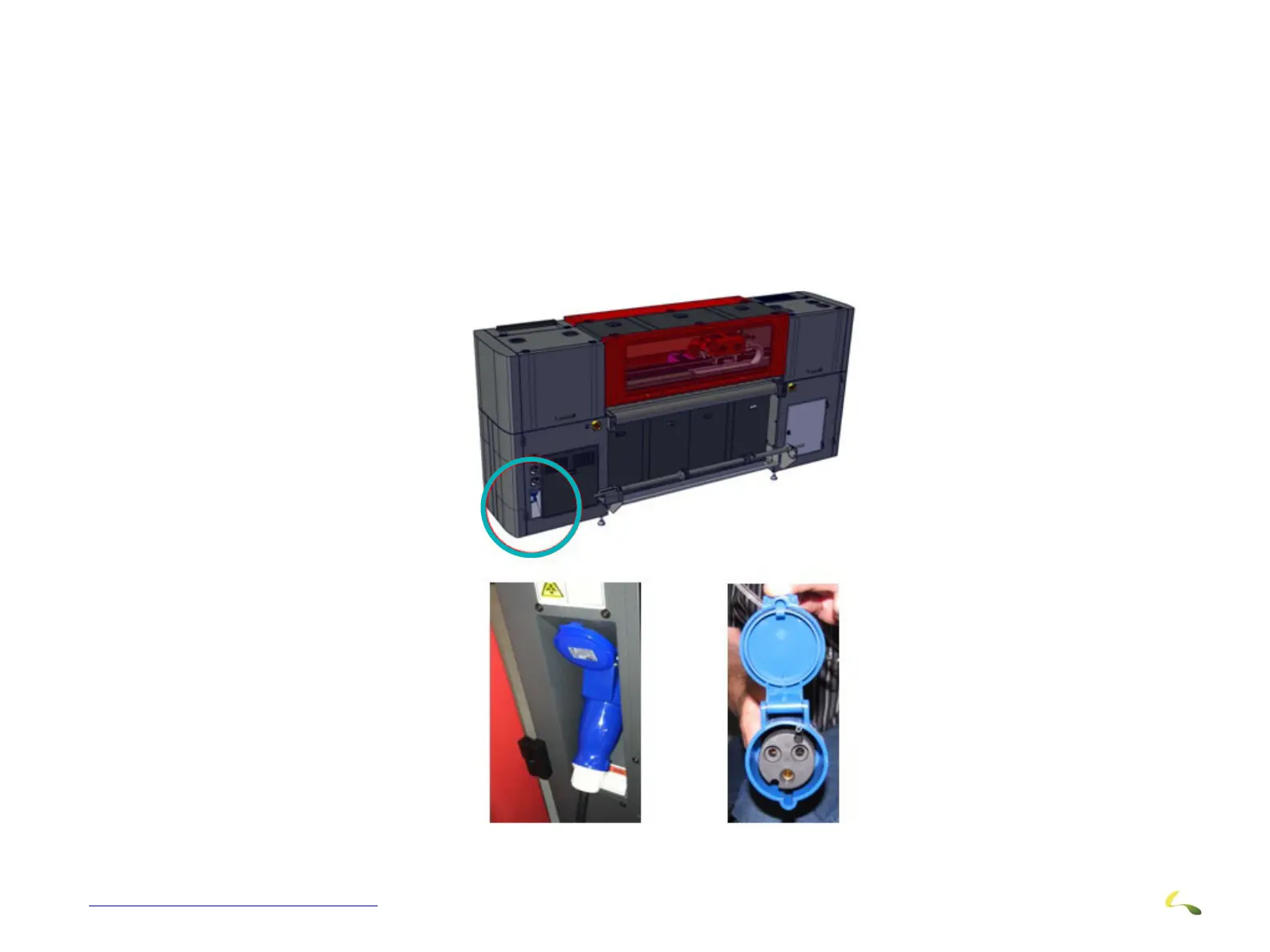
Check the main power cable for proper connection to the circuit breaker and main power receptacle.
1.Blue cable connector that comes with printer must be attached to power cable.
2. Ensure that the main power cable is properly connected to the facility’s main circuit breaker.
3. Connect the blue cable connector to the main power receptacle on the printer
Figure 3-48: Main Power Cable Installation



 To Next Page