Document ID: OMM-00131 Rev. E
27
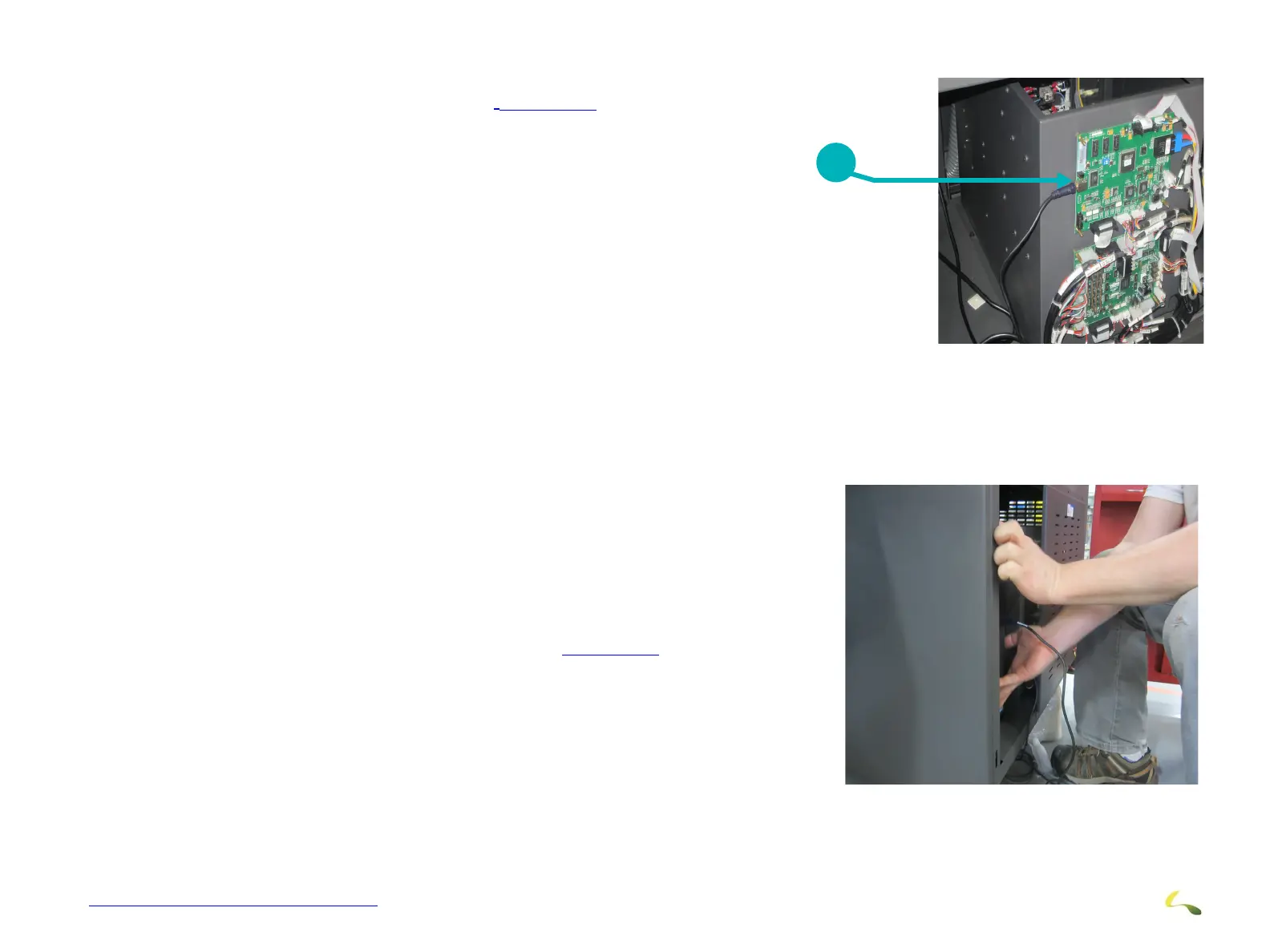
3.8.2 USB Board Connection
Remove the Cover Plate to the electronics compartment and connect
the USB cable to the USB board as shown in
Figure 3-20.
3.8.3 Computer Installation
Install Computer as follows:
1. Set the computer onto the computer compartment shelf.
2. Push the computer into computer compartment. (Figure 3-21)
3. Reinstall Electronics Cover.
Note: Check all electrical connectors, Luer fittings and TB screws in the electrical cabinet.
Figure 3-20: USB Board Connection
1USB Connection
1
Figure 3-21: Computer Installation



 To Next Page