Document ID: OMM-00131 Rev. E
39
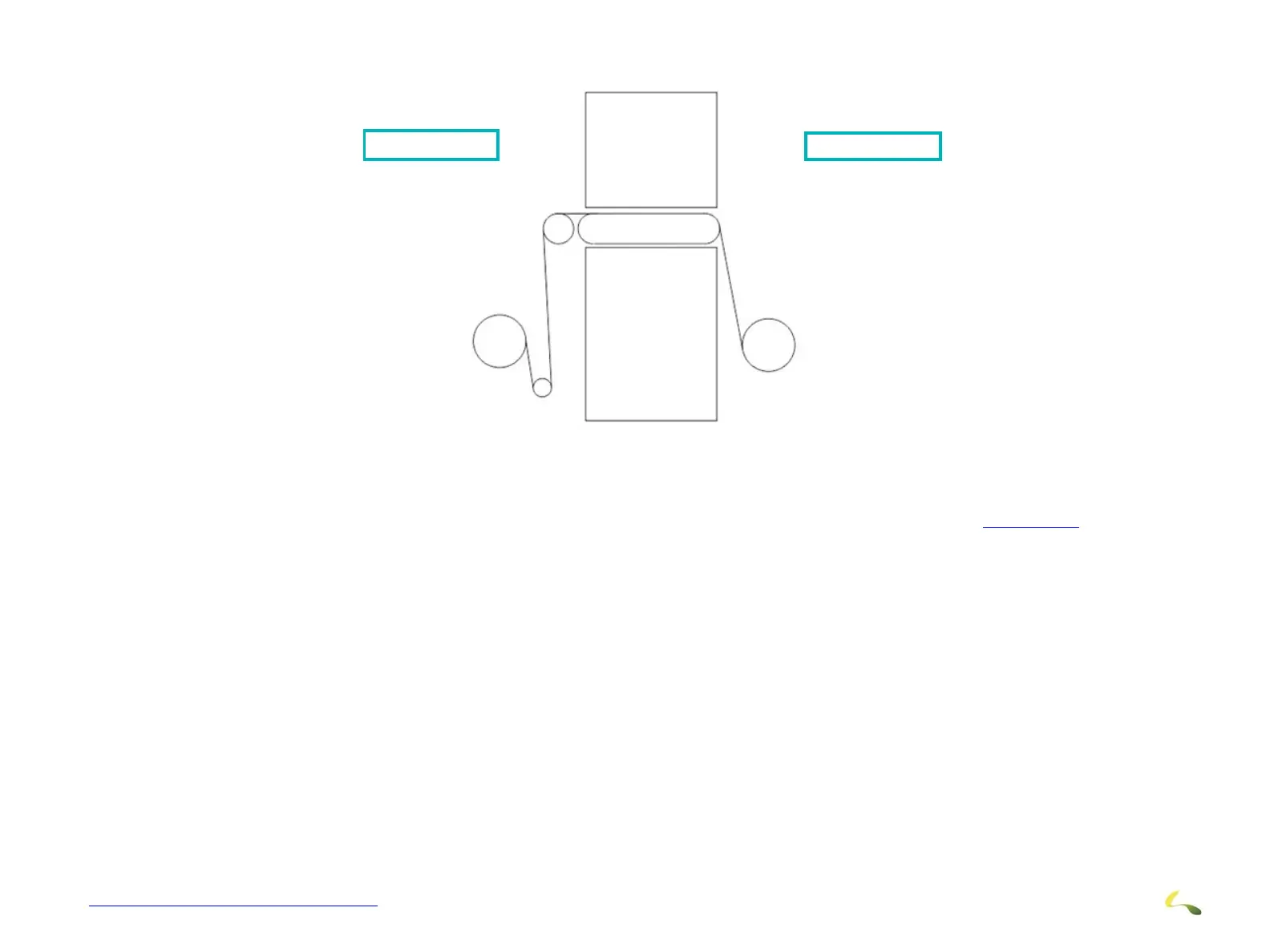
3. Bring media down all the way to the take up roller with the anti-coning clutch plate installed as seen in Figure 3-37 and if using roll
media that is thick, install the guide plates.
4. When the media is straight from the rear/supply roller, turn on the vacuum to keep the media’s position
Figure 3-37: Loaded Media
Rear of Printer Front of Printer



 To Next Page