Document ID: OMM-00131 Rev. E
40
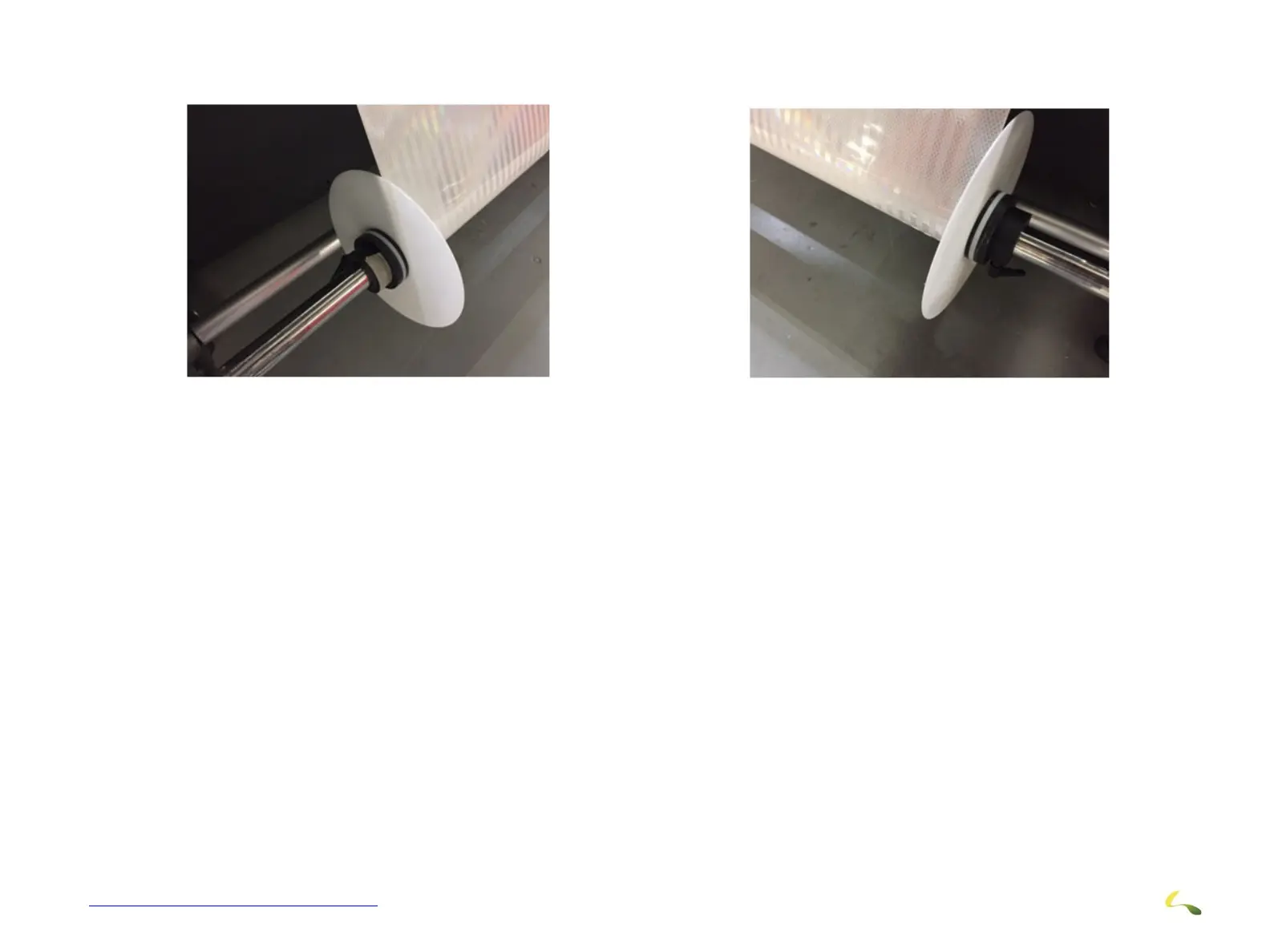
5. While making sure that media is pulled perfectly straight down, tape on the front roller between the new guide plate and clutch
plate so it is close but not touching the media.
6. Turn on the take-up motor to continually spin the take-up roller.
7. After starting to print, you may have to make small adjustments to the roller assembly by loosening both of the handles on the
spools and moving it slightly left or right depending on how the media is taking up.
Figure 3-38: Coning Guide with Clutch Plate (Dancer Shown Is No Longer Included)



 To Next Page