________________________________________________________________
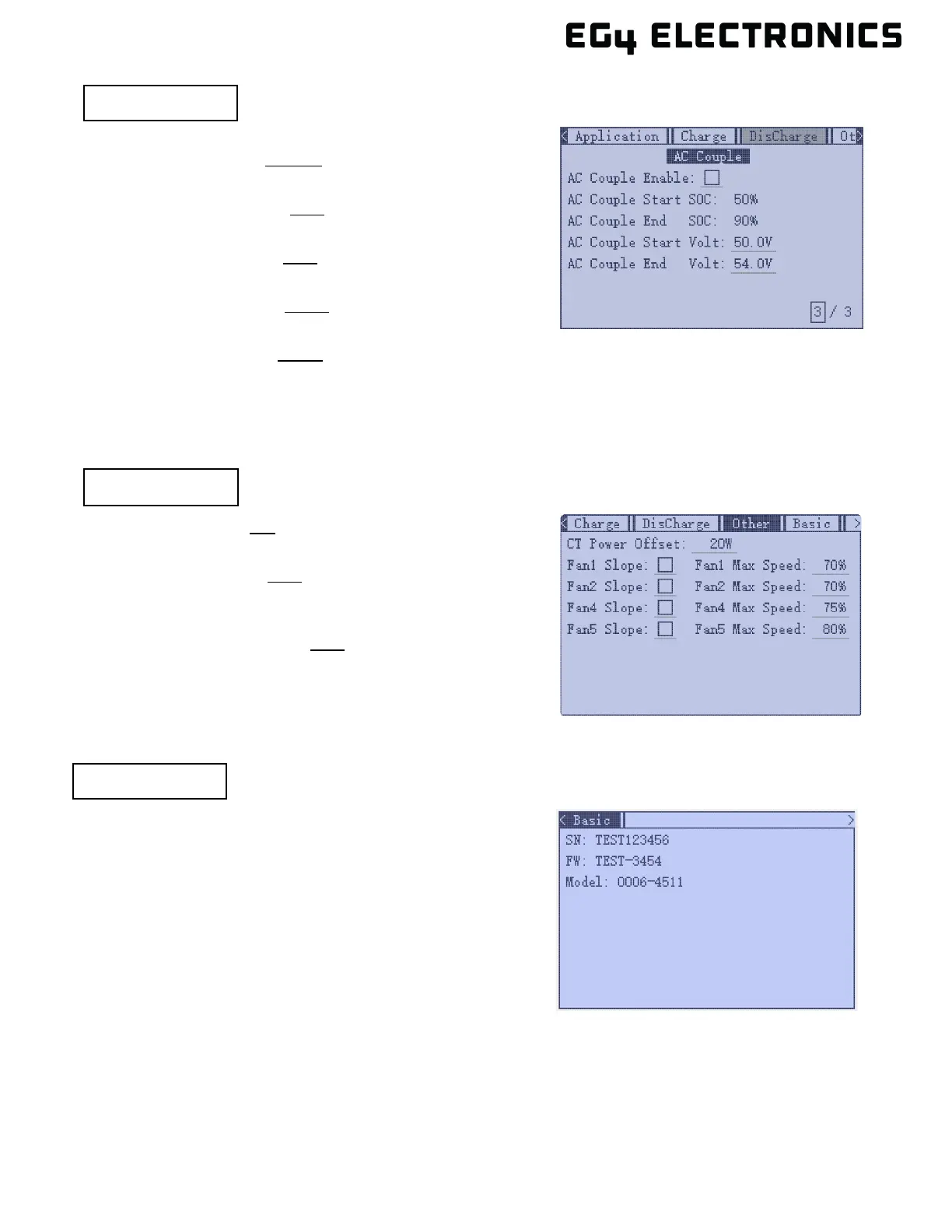
CT Power Offset: 0W
Configure the CT power offset.
Fan1 – Fan5 Slope: 70%
Enable or disable a custom fan speed slope for each fan.
Range is 10 – 100%.
Fan1 – Fan5 Max Speed: 70%
Configure the maximum fan speed for each fan.
Range is 0 – 100%.
________________________________________________________________
(Page 3 / 3) - AC Coupling
AC Couple Enable: Disable | Enable
Enables the AC coupling function.
AC Couple Start SOC: 50%
Sets the start state of charge (SOC) for AC coupling.
AC Couple End SOC: 90%
Configure the SOC for AC coupling.
AC Couple Start Volt: 50.0V
Configure the start voltage for the AC coupling.
AC Couple End Volt: 54.0V
Configure the end voltage for AC coupling.
________________________________________________________________
SN: [inverter serial number]
Displays the inverter serial number.
FW: [inverter firmware version]
Displays the inverter firmware version.
Model: [inverter model number]
Displays the inverter model number.



 To Next Page