35
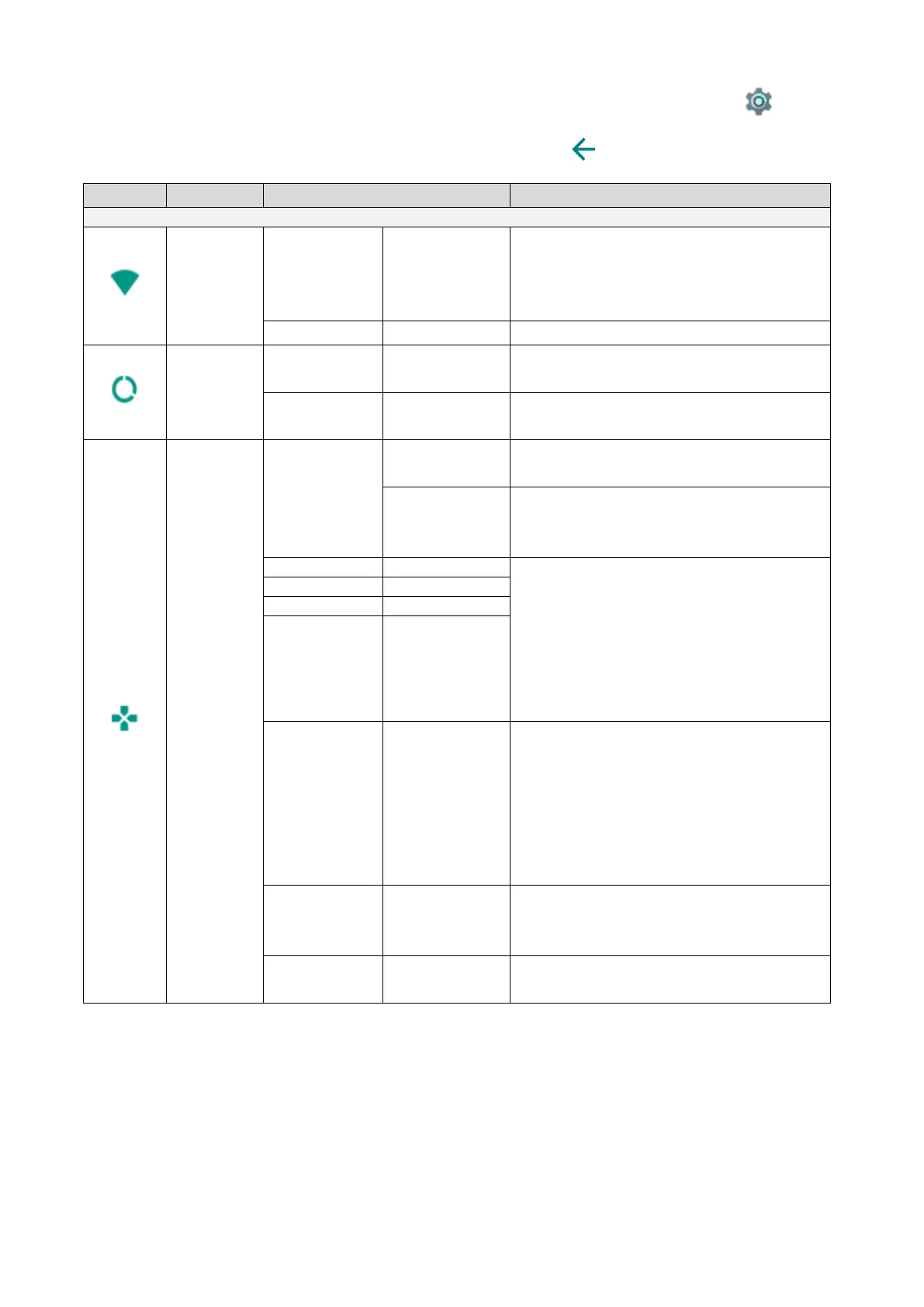
◆CHECKING THE SYSTEM SETTINGS
The System settings menu will be displayed when the System settings icon [ ] in
the Settings screen is pressed.
To return to the previous screen, press the Return icon [ ].
A list of network will be displayed.
Select the SSID for the network to be
connected. Enter the password if
requested.
To disable the Wifi connection.
To display the data usage.
(Today/Total)
To display the data usage. (Date can
be specified.)
A unique IP address will be assigned
automatically.
To set the IP address manually.
The following settings can be
configured if this item is set to OFF.
To set the IP address manually.
Enter the information required for
each item.
※Operation procedure for MO-2:
⇒Enter the information using the
keyboard displayed. For typing the
keyboard, use the mouse.
To connect to the Internet via the
proxy server.
When “Proxy” is selected, “Proxy host”
and “Proxy port” will be selectable and
you can enter the host name (IP
address) and port number of the proxy
server.
To enter the address of the proxy
server. Type the IP address after
“http://”.
To enter the port number of the proxy
server.



 To Next Page