56
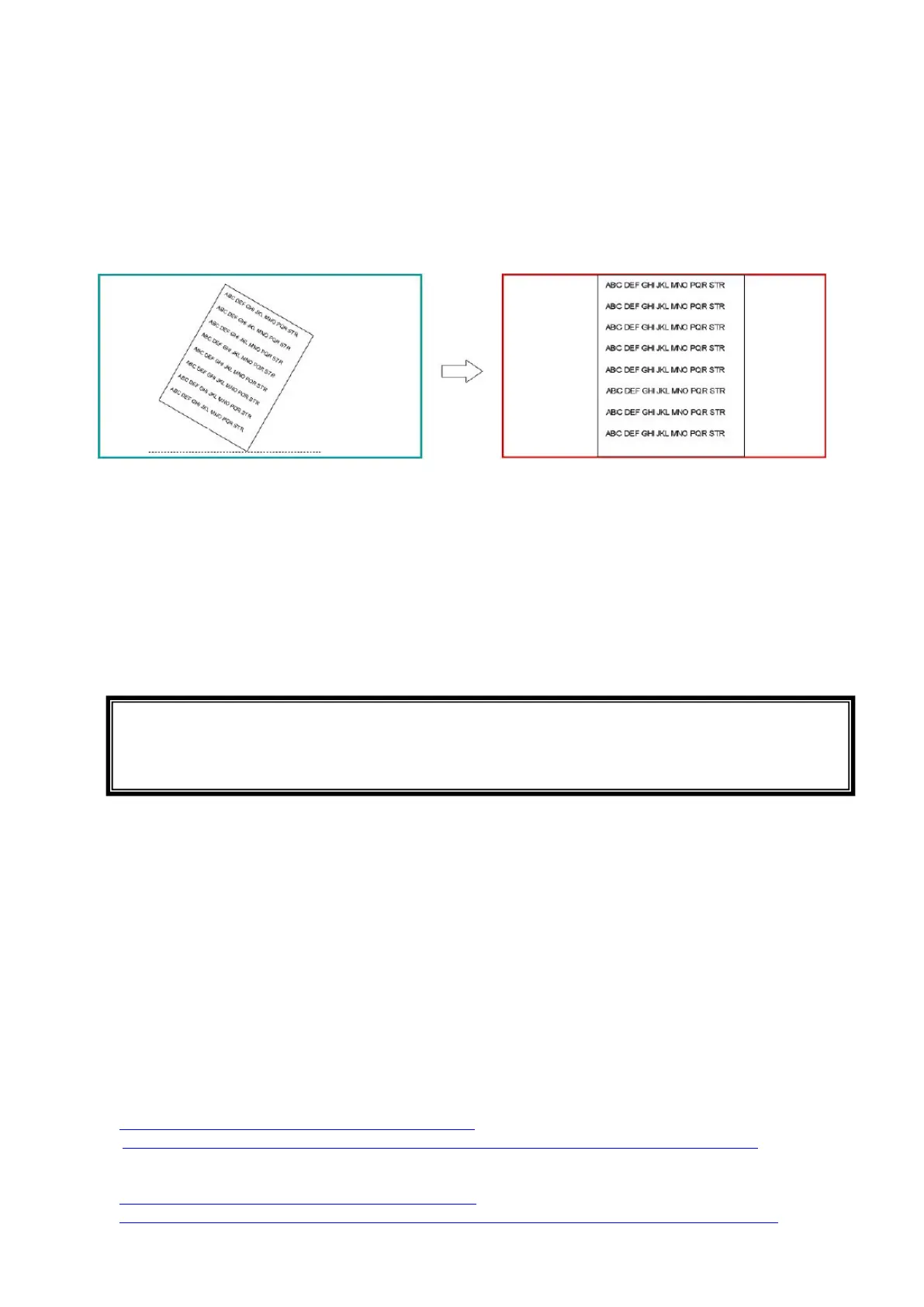
◆USING THE AUTOMATIC DESKEW FUNCTION
By using this function the product will automatically detect the skew angle of the
document such as a printing paper and a textbook in the shooting area and correct it to
fit the screen.
※The image will be rotated, enlarged, reduced or placed in the center.
※If the “Keystone correction” (⇒P.33) is enabled, the product will also correct the
trapezium distortion when correcting the skew of the image.
<Procedure>
①Place a document in the shooting area.
②Long press the Freeze button.
③Release the Freeze button and the skew correction will be performed.
The document will be displayed straight.
<How to cancel>
Press the Freeze button again. The skew correction will be cancelled and the original
image will be displayed.
◆USING WITH WIRELESS TABLET OR PORTABLE IWB
(BOTH SOLD SEPARATELY)
By using the Wireless tablet or the Portable IWB (both items sold separately) with the
product, you can draw over the camera image directly or record the drawing process.
Also, you can operate the product (such as zooming in or out) from the Wireless tablet
or the Portable IWB.
For details, visit our Official website:
For Wireless tablet (CRA-1)
⇒ https://www.elmousa.com/product/cra-1/
⇒ https://www.elmoeurope.com/index.php/en/products/elmo-interactiv/cra-1
For Portable IWB(CRB-1/CRB-2)
⇒ https://www.elmousa.com/product/crb-2/
⇒ https://www.elmoeurope.com/index.php/es/productos/elmo-interactivo/crb-1
CAUTION
・Depending on the using environment or the shooting condition, the Auto deskew
function may not work properly.



 To Next Page