45
■Video
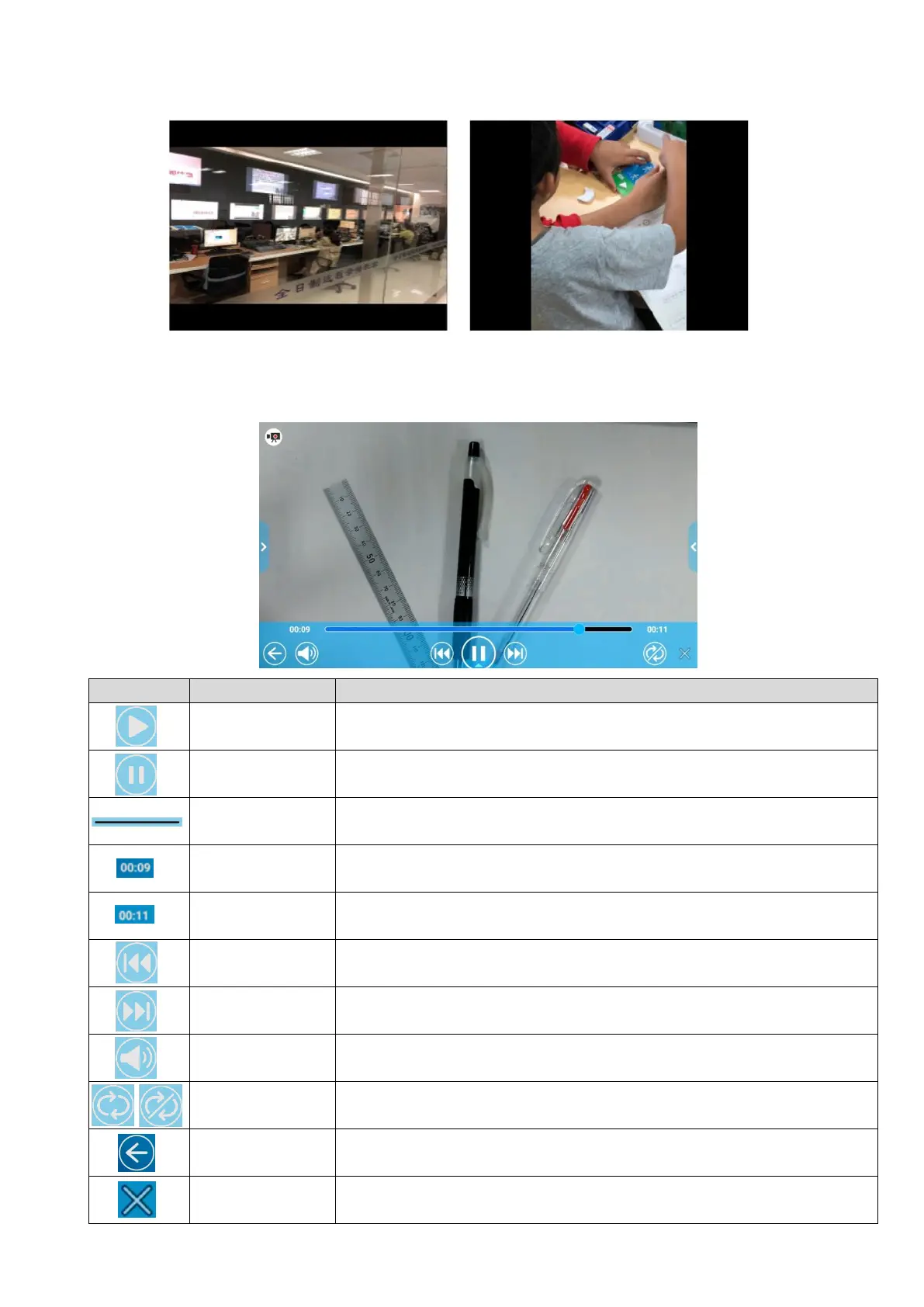
The screen will change to the Video playback screen. (The paused image of the video
will be displayed.)
To start video playback.
This icon will change to the Pause icon during playback.
To pause the video. This icon will change to the Play icon during
pause. Press this icon again to restart the video.
To change the playback position as desired by moving this bar.
To display the elapse time during playback.
To display the maximum playback time of the selected video.
To move to the previous video.
To move to the next video.
To adjust the speaker volume by using the Volume adjustment bar.
To playback the selected video repeatedly. ON or OFF can be set to
each selected video.
To return to the List of content items screen (⇒P. 43).
To hide the Playback menu and display the video full screen.
※Press the bottom tab to display the Playback menu.
①For landscape picture, horizontal position
will be adjusted and black bars will appear
on the top and bottom of the screen.
②For portrait picture, vertical position will be
adjusted and black bars will appear on the
left and right of the screen.



 To Next Page