51
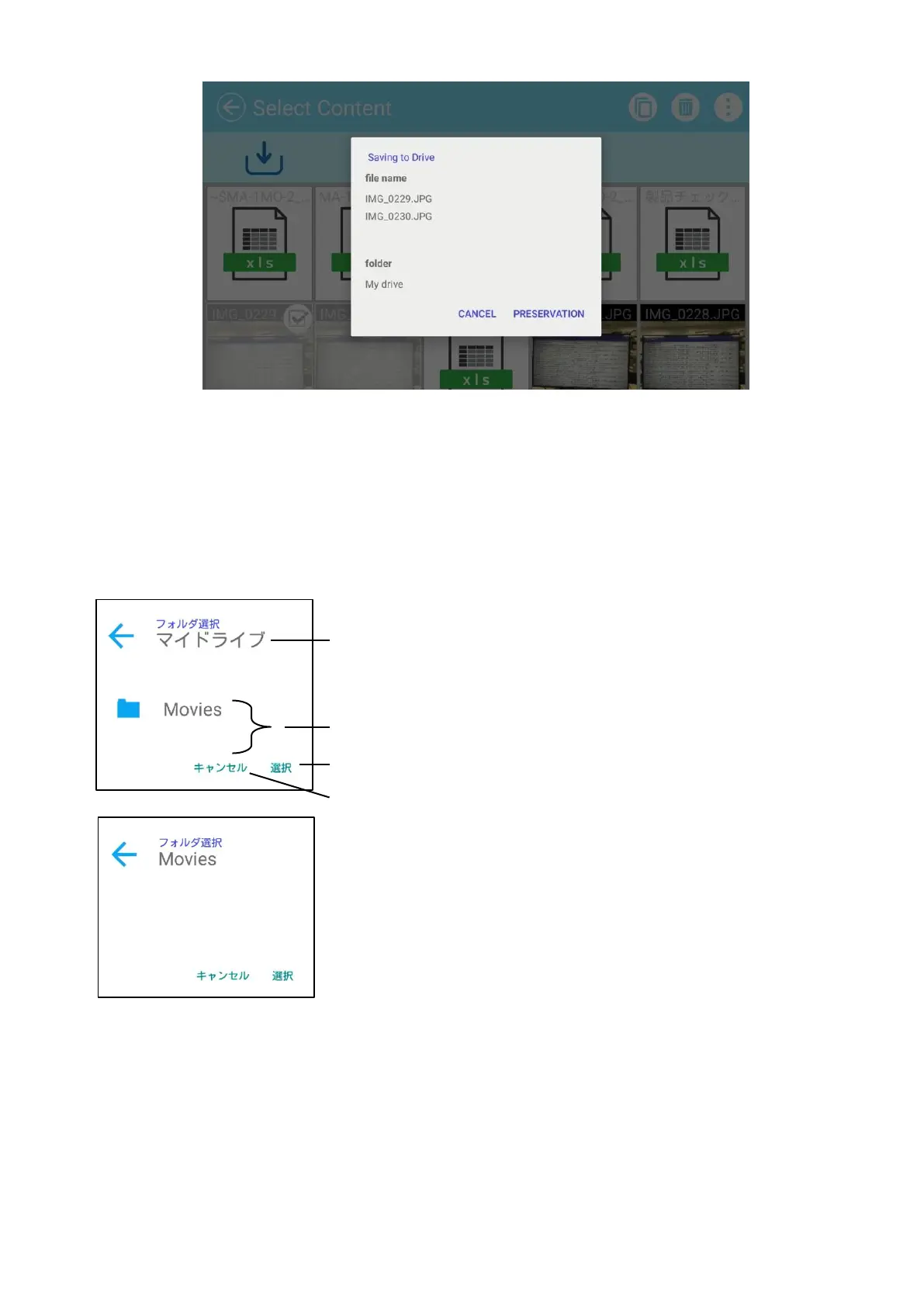
Press the area around the folder and a dialog for specifying the destination folder will
open.
Specify or select the folder and press “Save”. The selected content item will be copied to
that folder with the specified file name.
※If the entire sub folders cannot be displayed in one screen, scroll the screen by flicking
it to view the entire sub folders.
Dialog for specifying the destination folder



 To Next Page