G3 Series EtherCAT
TM
Technical Manual
14-147
Subject to change without notice
www.asco.com/g3
G3 EtherCAT
TM
PLC Configuration
Create Aventics G3 EtherCAT
TM
configuration (Beckhoff PLC)
The following example illustrates the necessary steps to add a Aventics G3 EtherCAT
TM
Manifold to an existing Beckhoff PLC
configuration. This includes how to install the Aventics EtherCAT
TM
XML file and how to select the various software components
to configure a G3 Manifold (GSD and XML files are available at www.asco/g3.com
). The following examples assume an existing
configuration based on Beckhoff TwinCAT System Manager Ver. 2.11 programming software.
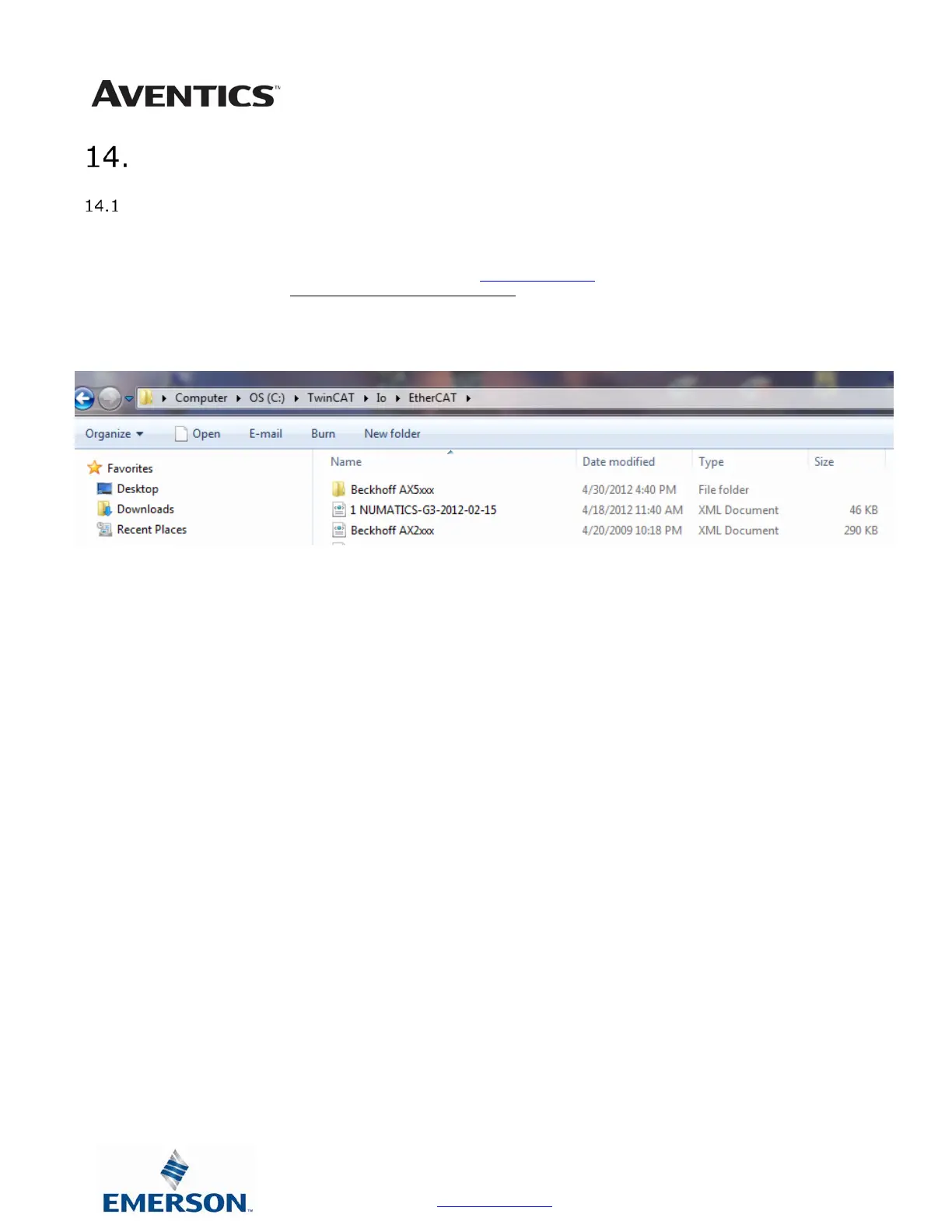
Copy the current “Aventics-G3.XML” file to the following directory; C:\TwinCAT\IO\EtherCAT



 To Next Page
 Loading...