G3 Series EtherCAT
TM
Technical Manual
5-46
Subject to change without notice
www.asco.com/g3
Factory Defaults
Gateway IP 0.0.0.0
I/O Status Enabled
Diag. Word Enabled
I/O configuration Unlocked
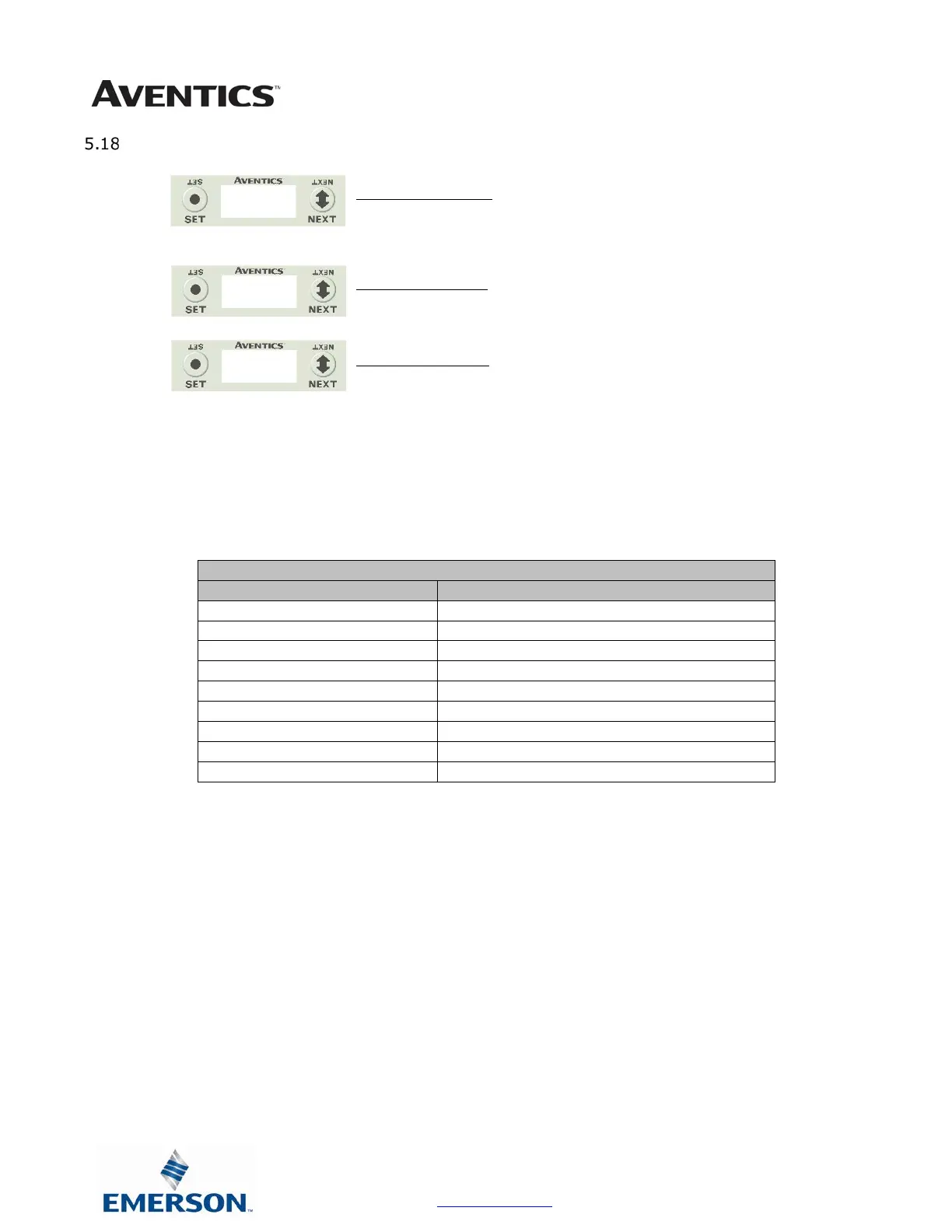
1. Press the SET button to enter the FACTORY DEFAULTS
sub-menu.
2. Press the SET button to change this parameter
3. Press the NEXT button to select Yes or No.
a. Selecting No will bring you back to the main
FACTORY DEFAULTS menu.
b. Selecting Yes will cause the node to reset and
return all parameters to the factory default
conditions.
c. Selecting RETURN will bring you back to the main
FACTORY DEFAULS menu
Press the SET button to confirm your choice.
DEFAULTS
NO
YES



 To Next Page
 Loading...