G3 Series EtherCAT
TM
Technical Manual
5-29
Subject to change without notice
www.asco.com/g3
G3 Graphic Display
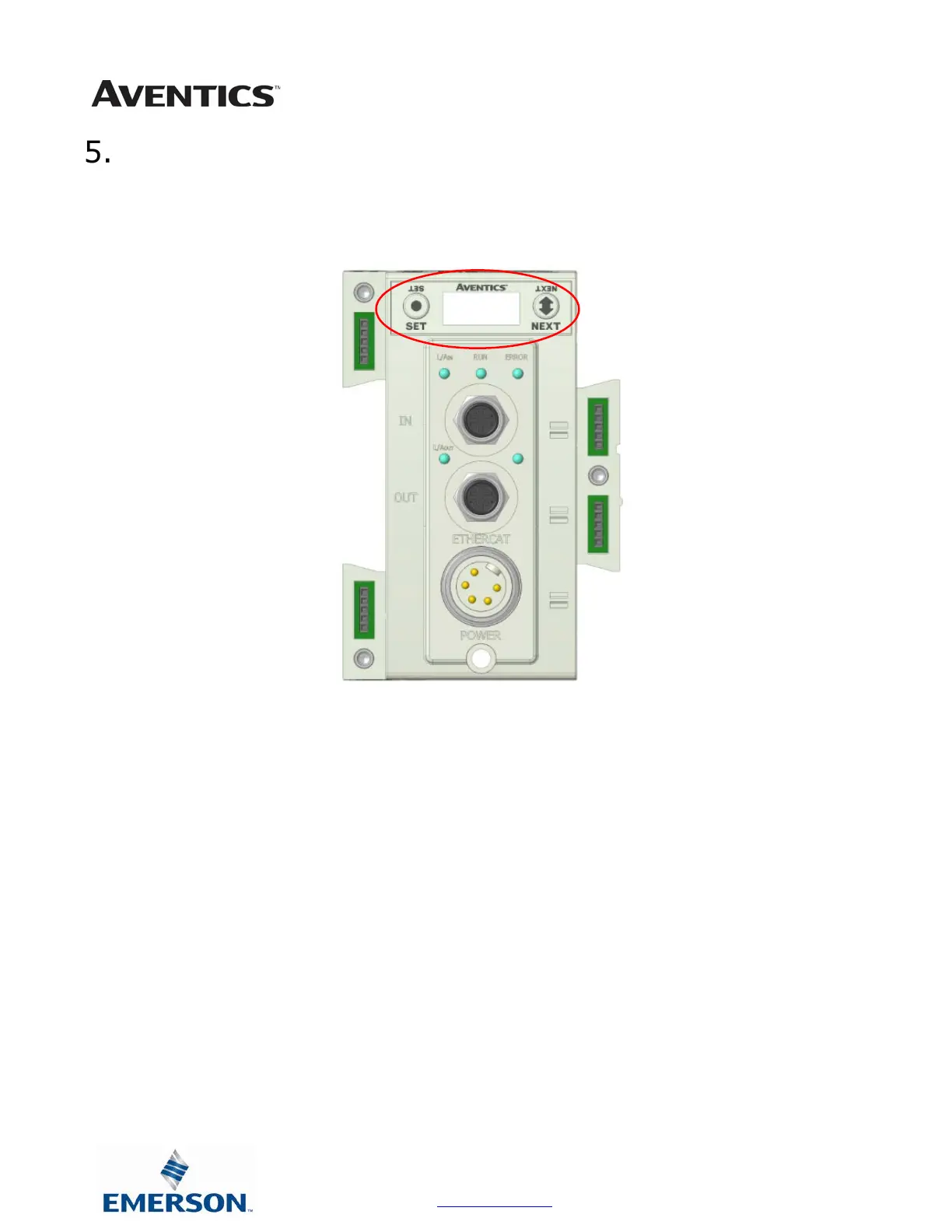
The G3 Communication and I/O modules have an integrated graphic display that may be used to configure the
parameters of the modules as well as showing diagnostic information.
The following graphic displays represent the main menu selections of the G3 communication module (node). Use the
NEXT button to scroll through the Main menu headings shown below. At this level pressing the SET button allows
access the Sub-Menus. Please see the appropriate pages referenced below for further details and descriptions of the
Sub-Menus.
NOTE: When a network I/O connection is established manual changes to node parameters are not allowed!



 To Next Page
 Loading...