Section 7: Using the Epilog Legend Print
Driver
64
Frequency
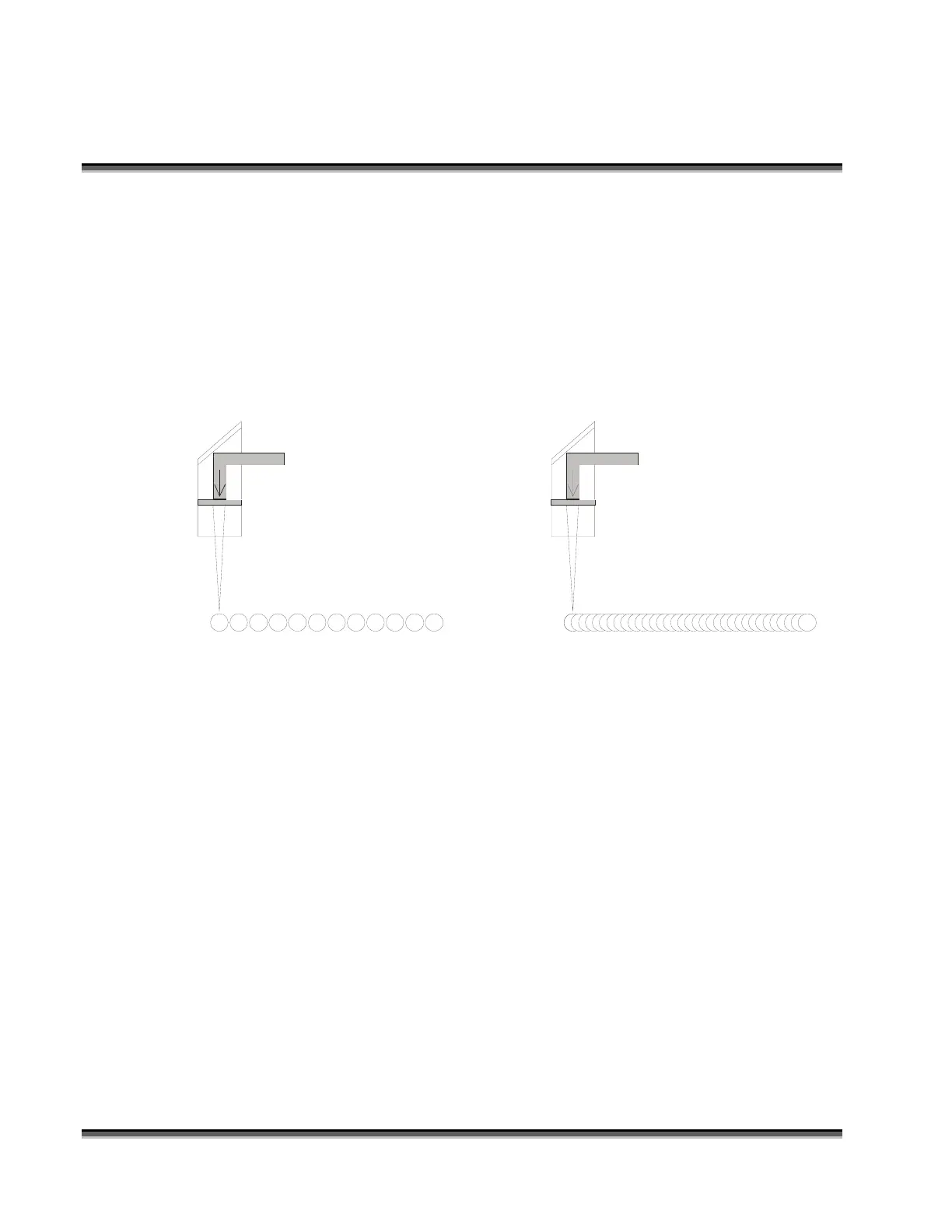
Set Frequency in the print driver from 10 to 5000. The frequency is the number
of laser pulses that the laser fires in vector cutting mode. A lower frequency
number will have the effect of less heat applied to the material being cut. Lower
frequency rates are helpful for products like wood where charring is evident at
higher frequencies. High frequencies are useful on material like acrylic where a
large amount of heat is desirable to melt, or “flame polish”, the edges.
Low Frequency Pulsing
Higher Frequency Pulsing


 To Next Page
 Loading...





