Section 16: Upgrading the Operational
Firmware
187
Via Email
Download the firmware upgrade file to a standard 3.5” diskette. Install from diskette
as per the instructions above.
Note: It is extremely important that you unzip the Legendxxx.exe file before trying
to upgrade. The Unzip process will convert the Legend1.40.xx.xx.exe file into a
Legend1.40.xx.xx.hex file. Use only the file with the .hex extension to upgrade
your Legend.
Installing New Firmware From Your
Computer to Your Legend
Prior to starting FlashMaster, the user should ensure that the Legend is turned on and
that it is connected to the computer by either the parallel port or network cable.
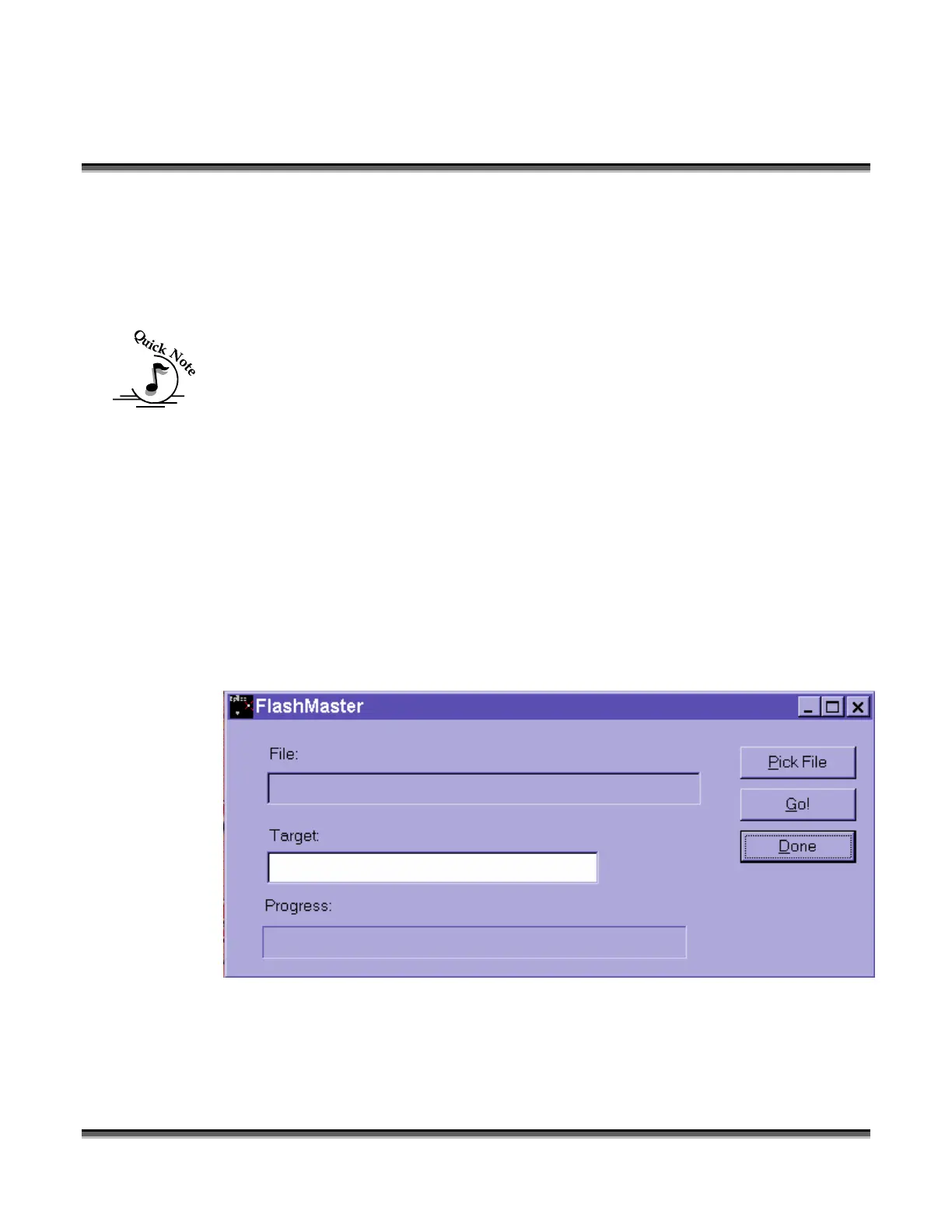
FlashMaster is started by selecting the Start/Programs/Epilog/FlashMaster menu item
from the taskbar in Windows XP/2000. Once started, FlashMaster appears:
Click “Pick File”.


 To Next Page
 Loading...





